TOML ke YAML: Panduan Konversi Cepat dengan Peta Sintaks dan Jebakan Umum
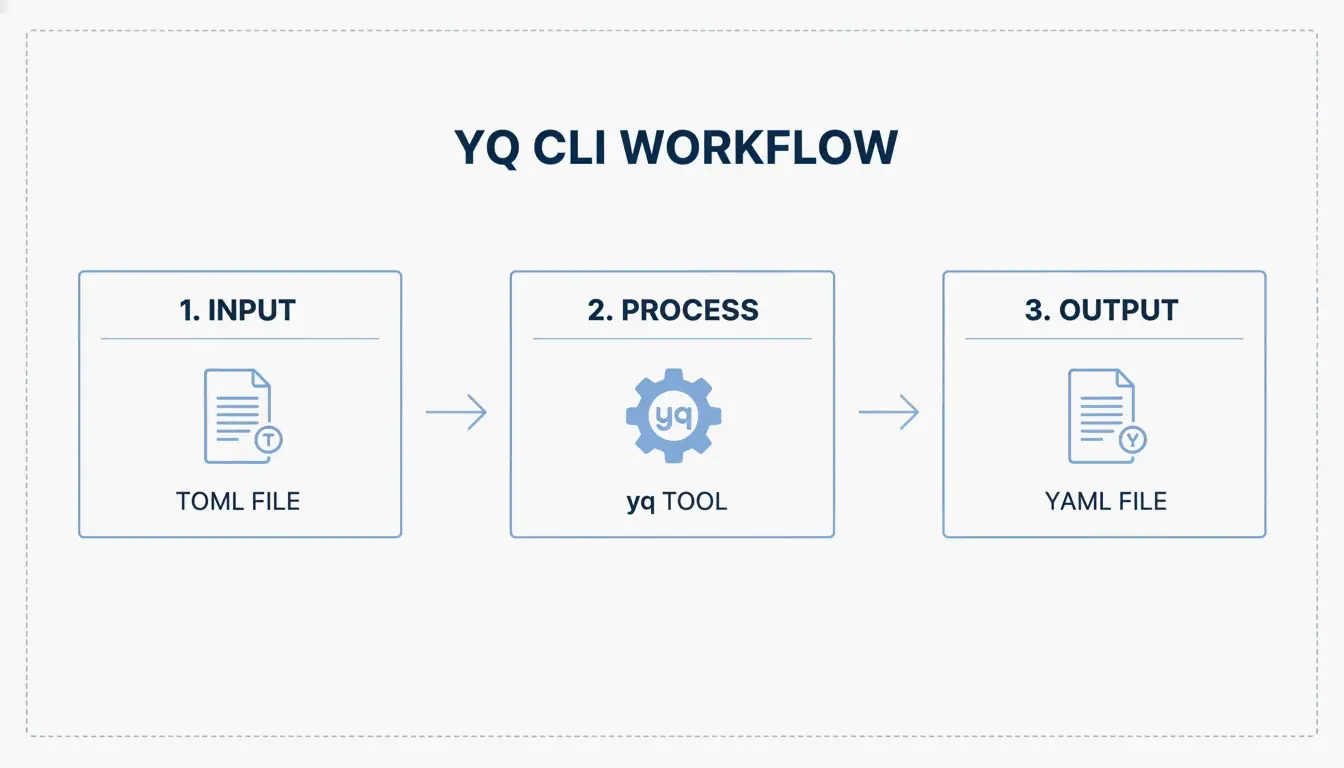
Cara tercepat untuk mengonversi TOML ke YAML adalah yq -oy '.' file.toml. Untuk konversi manual, petakan header [table] TOML ke blok terindentasi YAML, array TOML ke daftar berawalan strip, dan selalu kutip string yang ambigu untuk menghindari “Masalah Norwegia.”
Konversi Cepat: Menggunakan yq CLI
TOML (Tom’s Obvious, Minimal Language) merilis versi v1.1.0 pada Desember 2025, tetapi YAML tetap menjadi standar untuk pipeline CI/CD dan manifest Kubernetes. Alat yq menangani konversi dalam satu perintah.
Instal yq
| Platform | Perintah |
|---|---|
| macOS/Linux | brew install yq |
| Windows | choco install yq |
| Python (pip) | pip install yq |
Versi berbasis Go oleh Mike Farah lebih disukai karena kecepatannya. Seperti yang dicatat dalam dokumentasi yq milik Mike Farah, alat ini mendekode struktur TOML dan mengenkodenya kembali sebagai YAML yang bersih.
Jalankan Konversi
Tampilkan di terminal:
yq -oy '.' your-config.toml
Simpan ke file:
yq -oy '.' your-config.toml > your-config.yaml
Flag -oy mengatur format output ke YAML. Ini menangani pasangan kunci-nilai, tabel bersarang, dan array.
Peta Terjemahan Sintaks: Struktur TOML ke YAML
Developer Drew DeVault mencatat bahwa meskipun TOML populer, YAML menangani nested yang dalam dengan lebih bersih. Berikut adalah pemetaan yang tepat:
Tabel ke Kunci Terindentasi
TOML menggunakan header bracket; YAML menggunakan indentasi.
| TOML | YAML |
|---|---|
[server] |
server: |
host = "127.0.0.1" |
host: 127.0.0.1 |
port = 8080 |
port: 8080 |
Perbedaan krusial: Di TOML, indentasi hanya kosmetik. Di YAML, indentasi bersifat struktural — satu spasi yang salah dapat menghancurkan seluruh konfigurasi.
Array ke Daftar Berawalan Strip
TOML: ports = [ 8000, 8001 ]
YAML:
ports:
  - 8000
  - 8001
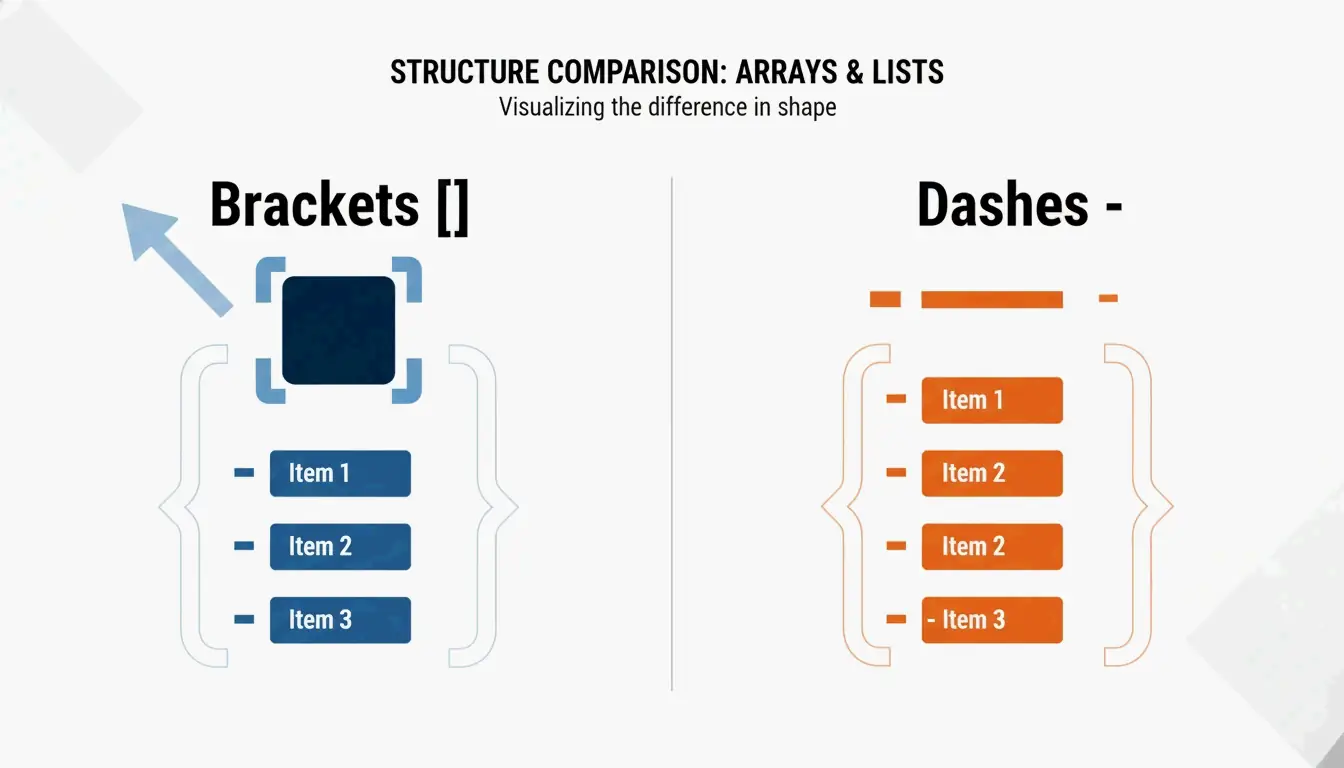
Seperti yang dijelaskan Knightli.com, “gaya blok” YAML membuat daftar mudah dibaca, asalkan perataan vertikal konsisten.
Tabel Inline dan Kunci Bertitik
| Konstruk TOML | Ekuivalen YAML |
|---|---|
[a.b.c] (header bertitik) |
a: → b: → c: (indentasi bersarang) |
point = { x = 1, y = 2 } (tabel inline) |
point: → x: 1 → y: 2 |
Kasus Penggunaan Dunia Nyata
Konfigurasi Situs Statis Hugo
Hugo menerima hugo.toml, hugo.yaml, atau hugo.json. Sebagian besar proyek dimulai dengan TOML (default), lalu bermigrasi ke YAML ketika konfigurasi perlu diselaraskan dengan platform deployment seperti Netlify atau GitHub Actions. Hammer Europe mencatat bahwa perintah hugo membaca file-file ini untuk menentukan bagaimana Markdown dikonversi menjadi situs langsung.
Packaging Python: pyproject.toml ke CI/CD YAML
Komunitas Python menstandarisasi pyproject.toml melalui PEP 518. Pengaturan ini sering perlu diterjemahkan ke YAML untuk workflow CI/CD GitHub Actions. Untuk workflow agen AI, CocoIndex melaporkan bahwa konfigurasi YAML yang dioptimalkan dapat mengurangi penggunaan token hingga 70%.
Masalah Norwegia dan Jebakan Konversi Lainnya
Bug Kode Negara NO
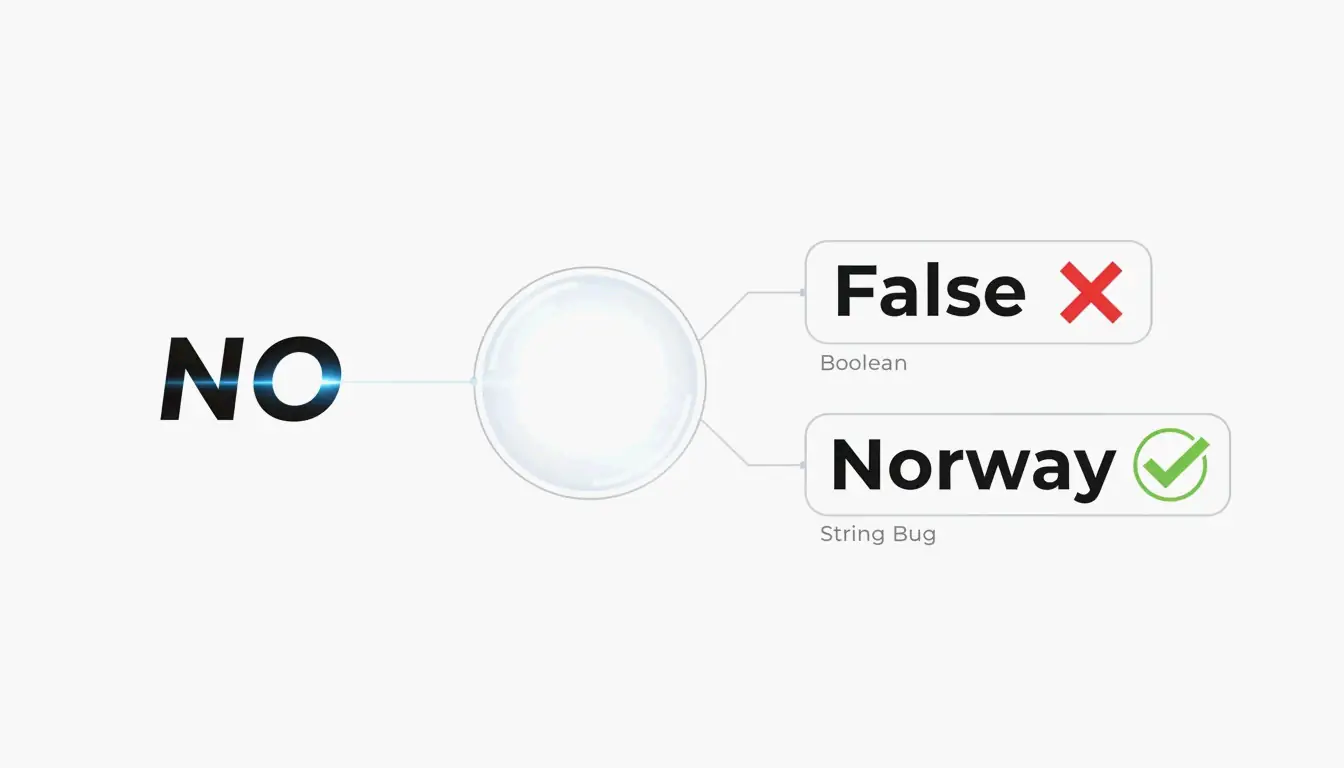
Di YAML 1.1, string polos seperti NO, OFF, dan YES otomatis dikonversi menjadi boolean false atau true. TOML menghindari hal ini dengan mengharuskan tanda kutip pada semua string. Saat mengonversi, selalu kutip nilai yang ambigu di YAML:
| Nilai | Interpretasi YAML 1.1 | Perbaikan |
|---|---|---|
NO |
false |
"NO" |
OFF |
false |
"OFF" |
YES |
true |
"YES" |
On |
true |
"On" |
YAML 1.2 (spesifikasi saat ini) memperbaiki sebagian besar konversi paksa ini, tetapi banyak parser yang masih menggunakan perilaku 1.1 secara default.
Kesalahan Indentasi
Parser YAML menolak file dengan indentasi yang tidak konsisten. Kesalahan umum:
- Mencampur tab dan spasi (YAML melarang tab)
- Menggunakan 3 spasi di satu blok dan 2 di blok lain
- Item daftar yang tidak sejajar
Generasi Berbantuan AI
Alat seperti AgentBuilder memungkinkan Anda mendeskripsikan konfigurasi dalam bahasa Inggris sederhana dan menghasilkan YAML yang tervalidasi. Siklus “deskripsikan → hasilkan → validasi” ini membantu menghindari kesalahan indentasi dan Masalah Norwegia.
Kesimpulan
Gunakan yq -oy '.' file.toml untuk konversi otomatis. Untuk pekerjaan manual, petakan tabel TOML ke indentasi YAML, array ke daftar berawalan strip, dan selalu kutip string yang bisa disalahartikan sebagai boolean. Setelah konversi apa pun, validasi output YAML sebelum deployment — satu spasi yang tidak sejajar atau NO tanpa kutip dapat menghancurkan seluruh pipeline Anda.
FAQ
Apakah YAML mendukung komentar seperti TOML?
Ya. Keduanya menggunakan # untuk komentar satu baris. Komentar YAML dapat mengganggu parsing string multi-baris, jadi tempatkan di baris terpisah jika ragu.
Apa itu Masalah Norwegia di YAML?
Di YAML 1.1, string polos seperti NO (kode negara Norwegia) otomatis dikonversi menjadi boolean false. TOML menghindari hal ini dengan mengharuskan tanda kutip pada semua nilai string. Saat mengonversi TOML ke YAML, bungkus setiap string yang berpotensi ambigu dalam tanda kutip.
Format mana yang menangani nested yang lebih baik?
YAML. TOML mengharuskan pengulangan header panjang seperti [table.subtable.subsubtable] untuk setiap level, yang menjadi bertele-tele. YAML merepresentasikan hierarki yang sama dengan indentasi — lebih ringkas dan mudah dibaca pada kedalaman yang besar.
SectoJoy
• Indie Hacker & DeveloperI'm an indie hacker building iOS and web applications, with a focus on creating practical SaaS products. I specialize in AI SEO, constantly exploring how intelligent technologies can drive sustainable growth and efficiency.