TOML naar YAML: Snelle conversiegids met syntaxisoverzicht en veelvoorkomende valkuilen
De snelste manier om TOML naar YAML te converteren is yq -oy '.' file.toml. Voor handmatige conversie, wijs TOML [table]-headers toe aan ingesprongen YAML-blokken, TOML-arrays aan streepjes-voorvoegde lijsten, en zet altijd aanhalingstekens rond dubbelzinnige strings om het “Noorwegen-probleem” te vermijden.
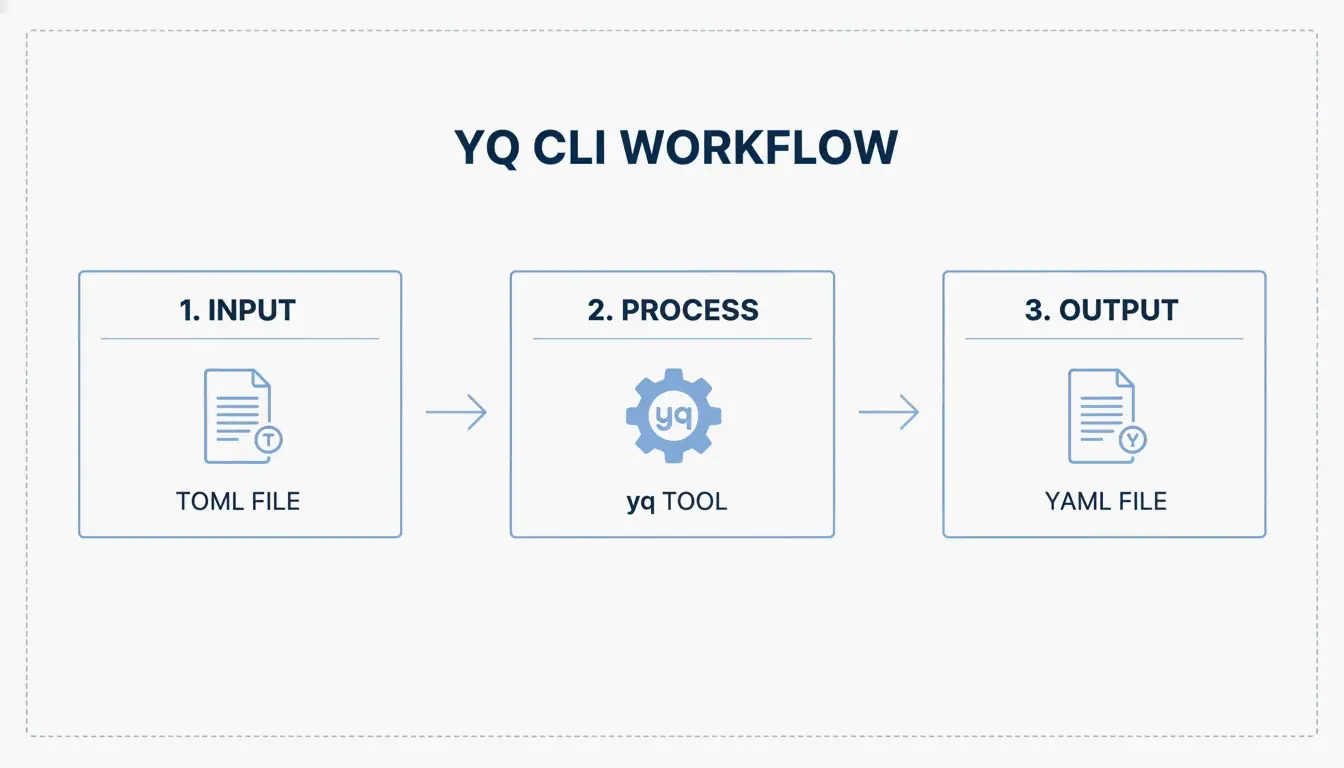
Snelle conversie: yq CLI gebruiken
TOML (Tom’s Obvious, Minimal Language) bereikte zijn v1.1.0-release in december 2025, maar YAML blijft de standaard voor CI/CD-pipelines en Kubernetes-manifesten. De tool yq verzorgt de conversie in één enkele opdracht.
Installeer yq
| Platform | Opdracht |
|---|---|
| macOS/Linux | brew install yq |
| Windows | choco install yq |
| Python (pip) | pip install yq |
De Go-gebaseerde versie van Mike Farah heeft de voorkeur vanwege de snelheid. Zoals vermeld in Mike Farahs yq-documentatie, decodeert de tool de TOML-structuur en codeert deze opnieuw als schone YAML.
Voer de conversie uit
Toon in de terminal:
yq -oy '.' your-config.toml
Bewaar naar bestand:
yq -oy '.' your-config.toml > your-config.yaml
De vlag -oy stelt het uitvoerformaat in op YAML. Dit verwerkt sleutel-waardeparen, geneste tabellen en arrays.
Syntaxisvertaalkaart: TOML-structuur naar YAML
Ontwikkelaar Drew DeVault heeft opgemerkt dat hoewel TOML populair is, YAML diepere nesting schoner afhandelt. Hier is de exacte toewijzing:
Tabellen naar ingesprongen sleutels
TOML gebruikt haakjeskoppen; YAML gebruikt inspringing.
| TOML | YAML |
|---|---|
[server] |
server: |
host = "127.0.0.1" |
host: 127.0.0.1 |
port = 8080 |
port: 8080 |
Kritiek verschil: In TOML is inspringing slechts cosmetisch. In YAML is inspringing structureel — één verkeerde spatie vernielt de hele configuratie.
Arrays naar streepjes-voorvoegde lijsten
TOML: ports = [ 8000, 8001 ]
YAML:
ports:
  - 8000
  - 8001
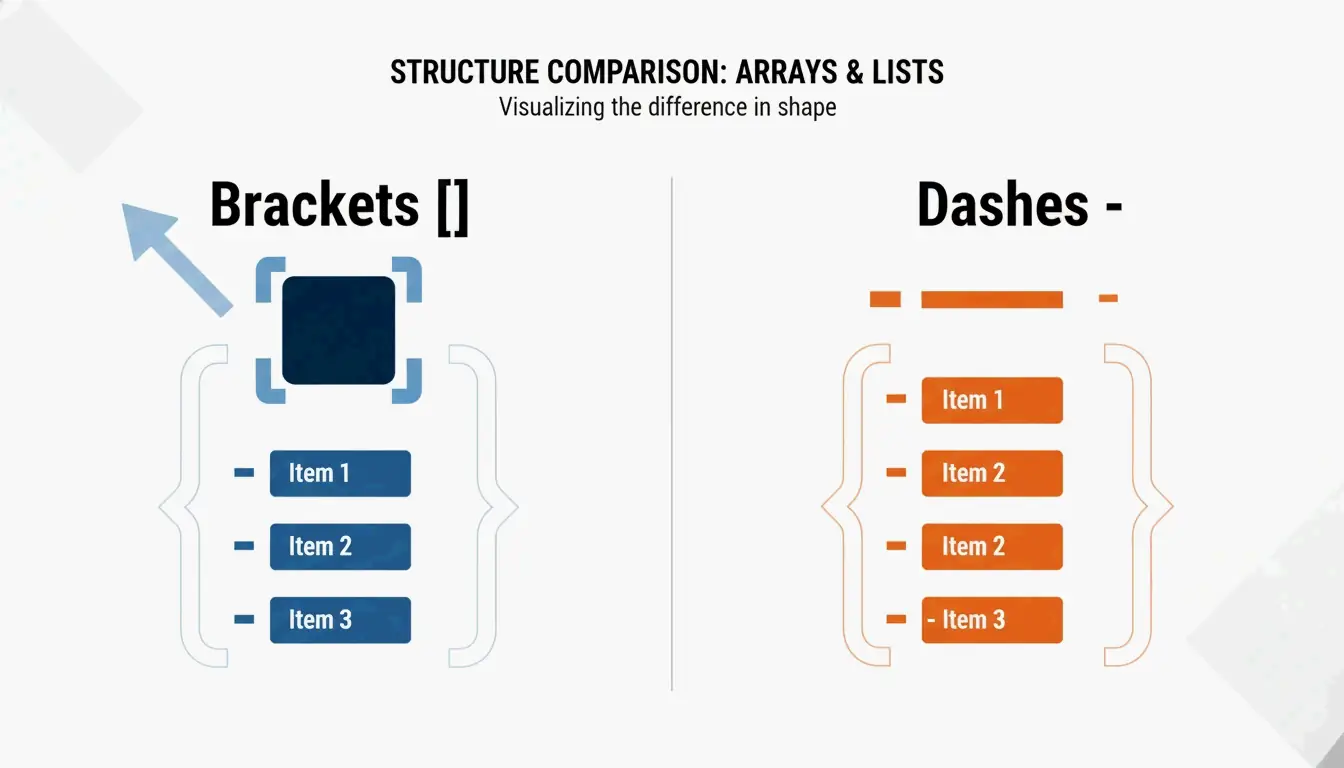
Zoals Knightli.com uitlegt, maakt de “blokstijl” van YAML lijsten leesbaar, mits de verticale uitlijning consistent is.
Inline-tabellen en stippelsleutels
| TOML-constructie | YAML-equivalent |
|---|---|
[a.b.c] (stippelkop) |
a: → b: → c: (geneste inspringing) |
point = { x = 1, y = 2 } (inline-tabel) |
point: → x: 1 → y: 2 |
Praktische gebruiksscenario’s
Hugo statische websiteconfiguratie
Hugo accepteert hugo.toml, hugo.yaml of hugo.json. De meeste projecten beginnen met TOML (de standaard), en migreren dan vervolgens naar YAML wanneer de configuratie moet worden afgestemd op implementatieplatforms zoals Netlify of GitHub Actions. Hammer Europe merkt op dat de hugo-opdracht deze bestanden leest om te bepalen hoe Markdown wordt omgezet naar een live website.
Python-verpakking: pyproject.toml naar CI/CD YAML
De Python-gemeenschap standaardiseerde pyproject.toml via PEP 518. Deze instellingen moeten vaak worden vertaald naar YAML voor GitHub Actions CI/CD-workflows. Voor AI-agent-workflows rapporteert CocoIndex dat geoptimaliseerde YAML-configuraties het tokengebruik met tot 70% kunnen verminderen.
Het Noorwegen-probleem en andere conversievalkuilen
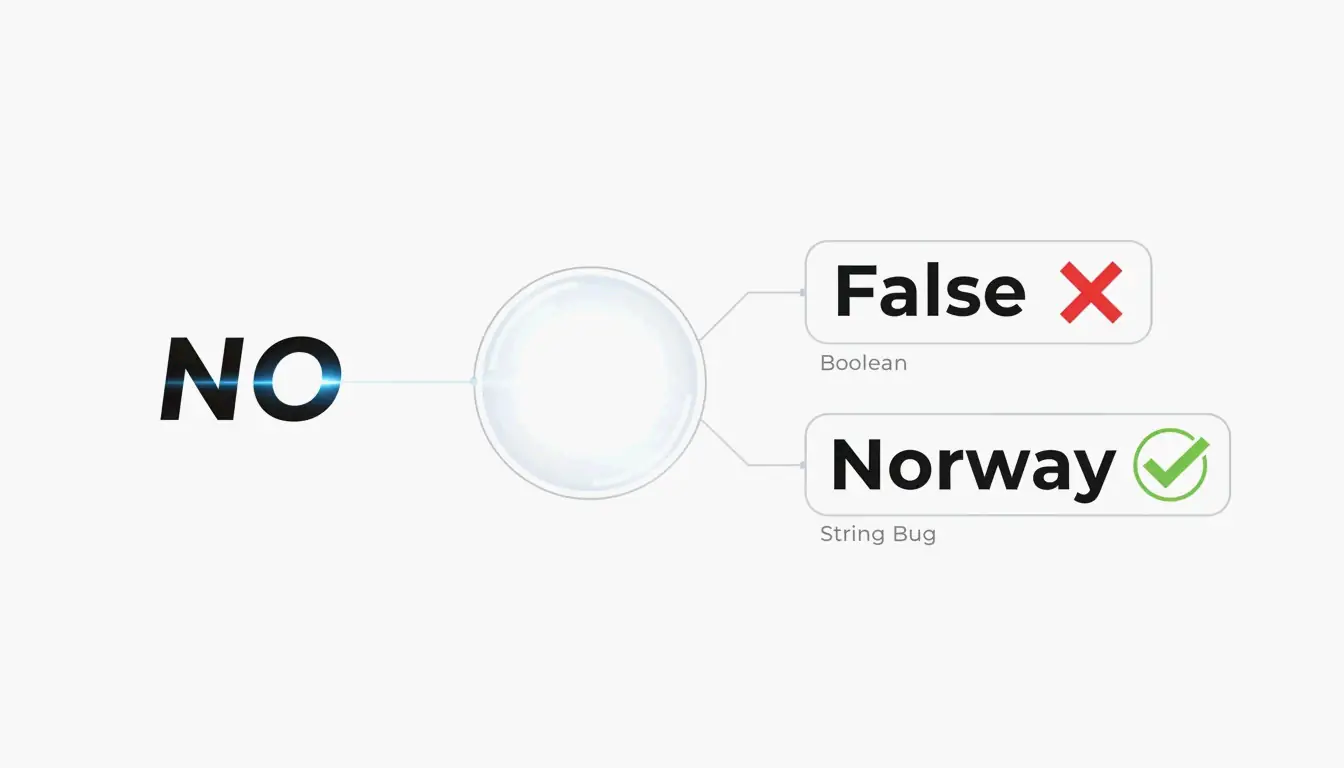
De NO-landcode-bug
In YAML 1.1 worden kale strings zoals NO, OFF en YES automatisch omgezet naar booleaans false of true. TOML vermijdt dit door aanhalingstekens te vereisen voor alle strings. Bij conversie, zet altijd aanhalingstekens rond dubbelzinnige waarden in YAML:
| Waarde | YAML 1.1-interpretatie | Oplossing |
|---|---|---|
NO |
false |
"NO" |
OFF |
false |
"OFF" |
YES |
true |
"YES" |
On |
true |
"On" |
YAML 1.2 (de huidige specificatie) lost de meeste van deze dwingende conversies op, maar veel parsers gebruiken nog steeds 1.1-gedrag als standaard.
Inspringingsfouten
YAML-parsers weigeren bestanden met inconsistente inspringing. Veelvoorkomende fouten:
- Tabs en spaties door elkaar gebruiken (YAML verbiedt tabs)
- 3 spaties in het ene blok en 2 in een ander gebruiken
- Verkeerd uitgelijnde lijstitems
AI-ondersteunde generatie
Tools zoals AgentBuilder laten u configuratie beschrijven in gewoon Nederlands en gevalideerde YAML uitvoeren. Deze “beschrijf → genereer → valideer”-cyclus helpt zowel inspringingsfouten als het Noorwegen-probleem te vermijden.
Conclusie
Gebruik yq -oy '.' file.toml voor geautomatiseerde conversie. Voor handmatig werk, wijs TOML-tabellen toe aan YAML-inspringing, arrays aan streepjes-voorvoegde lijsten, en zet altijd aanhalingstekens rond strings die voor booleaanse waarden kunnen worden aangezien. Na elke conversie, valideer de YAML-uitvoer voordat u implementeert — één verkeerd uitgelijnde spatie of een NO zonder aanhalingstekens kan uw hele pipeline breken.
FAQ
Ondersteunt YAML opmerkingen zoals TOML?
Ja. Beiden gebruiken # voor opmerkingen van één regel. YAML-opmerkingen kunnen de parsing van meerregelige strings verstoren, dus plaats ze op aparte regels bij twijfel.
Wat is het Noorwegen-probleem in YAML?
In YAML 1.1 worden kale strings zoals NO (de Noorse landcode) automatisch omgezet naar booleaans false. TOML vermijdt dit door aanhalingstekens te vereisen voor alle tekenreekswaarden. Bij het converteren van TOML naar YAML, zet elke potentieel dubbelzinnige string tussen aanhalingstekens.
Welk formaat verwerkt diepe nesting beter?
YAML. TOML vereist het herhalen van lange headers zoals [table.subtable.subsubtable] voor elk niveau, wat omslachtig wordt. YAML representeert dezelfde hiërarchie met inspringing — compacter en leesbaarder op diepte.
SectoJoy
• Indie Hacker & DeveloperI'm an indie hacker building iOS and web applications, with a focus on creating practical SaaS products. I specialize in AI SEO, constantly exploring how intelligent technologies can drive sustainable growth and efficiency.