TOML to YAML: Quick Conversion Guide with Syntax Map and Pitfalls
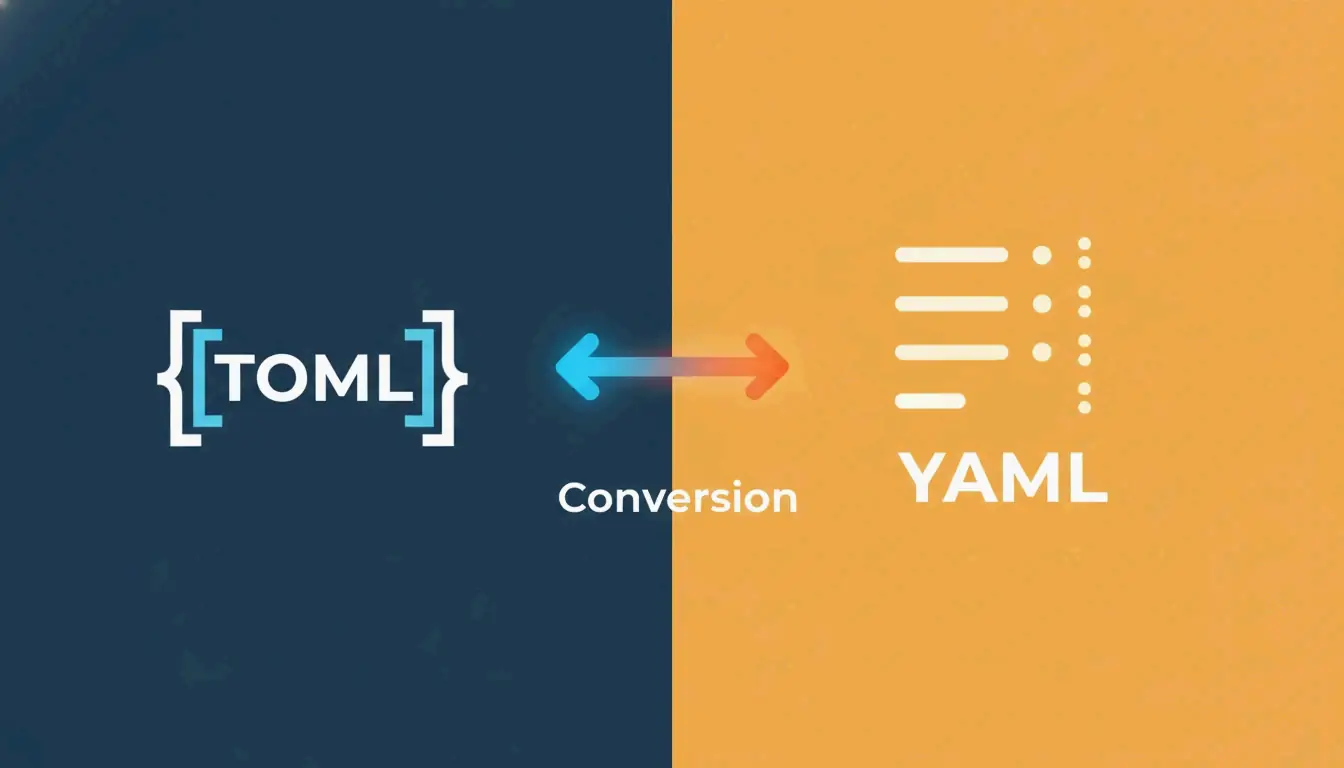
The fastest way to convert TOML to YAML is yq -oy '.' file.toml. For manual conversion, map TOML [table] headers to YAML indented blocks, TOML arrays to dash-prefixed lists, and always quote ambiguous strings to avoid the “Norway Problem.”
Quick Conversion: Using yq CLI
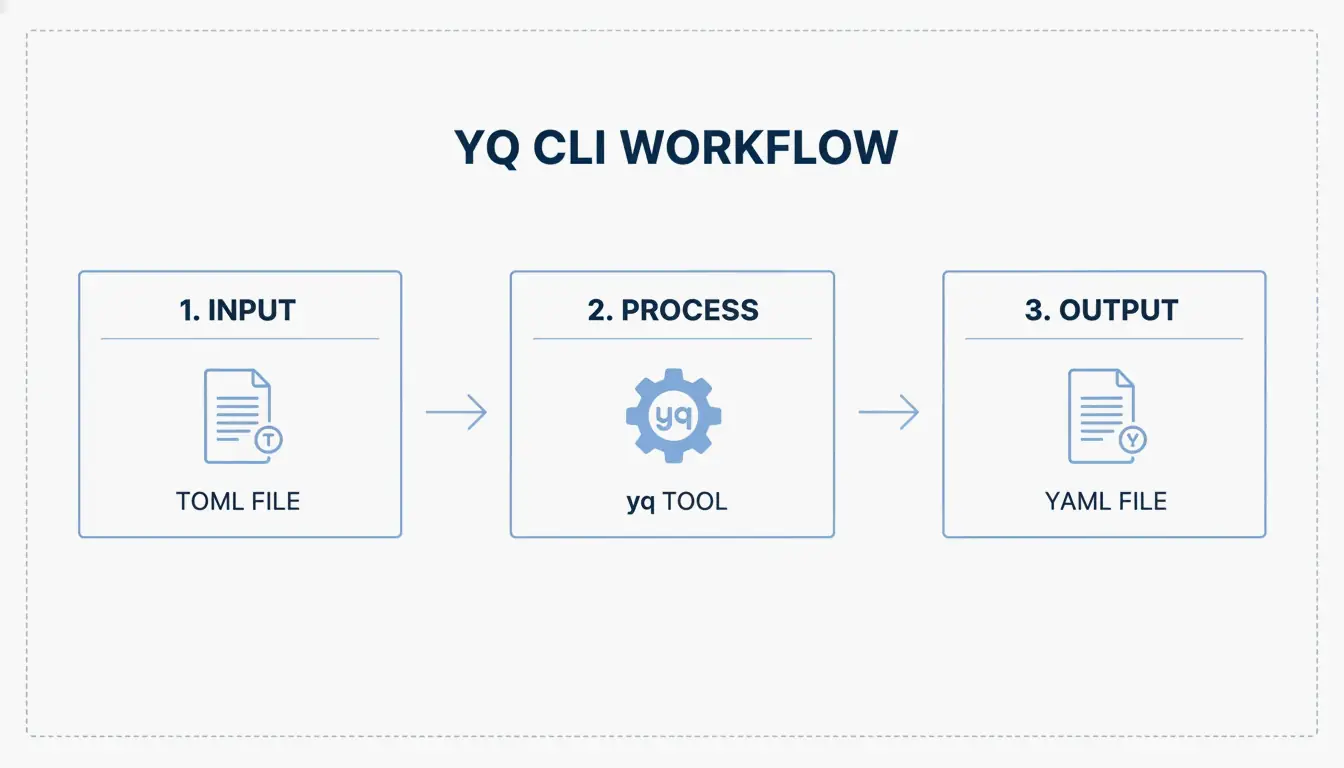
TOML (Tom’s Obvious, Minimal Language) reached its v1.1.0 release in December 2025, but YAML remains the standard for CI/CD pipelines and Kubernetes manifests. The yq tool handles the conversion in a single command.
Install yq
| Platform | Command |
|---|---|
| macOS/Linux | brew install yq |
| Windows | choco install yq |
| Python (pip) | pip install yq |
The Go-based version by Mike Farah is preferred for speed. As noted in Mike Farah’s yq documentation, the tool decodes TOML structure and re-encodes it as clean YAML.
Run the Conversion
Display in terminal:
yq -oy '.' your-config.toml
Save to file:
yq -oy '.' your-config.toml > your-config.yaml
The -oy flag sets output format to YAML. This handles key-value pairs, nested tables, and arrays.
Syntax Translation Map: TOML Structure to YAML
Developer Drew DeVault has noted that while TOML is popular, YAML handles deep nesting more cleanly. Here is the exact mapping:
Tables to Indented Keys
TOML uses bracket headers; YAML uses indentation.
| TOML | YAML |
|---|---|
[server] |
server: |
host = "127.0.0.1" |
host: 127.0.0.1 |
port = 8080 |
port: 8080 |
Critical difference: In TOML, indentation is cosmetic. In YAML, indentation is structural — one wrong space breaks the entire config.
Arrays to Dash-Prefixed Lists
TOML: ports = [ 8000, 8001 ]
YAML:
ports:
  - 8000
  - 8001
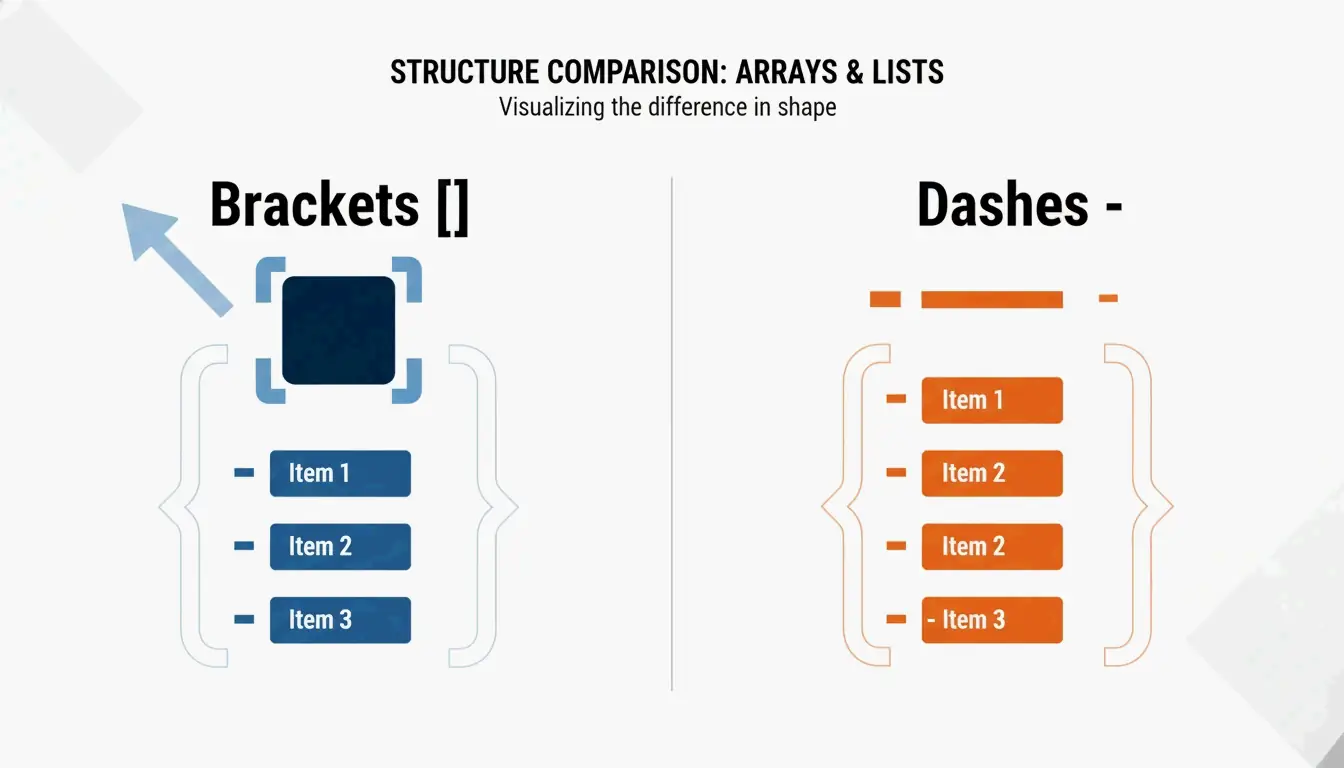
As Knightli.com explains, YAML’s “block style” makes lists readable, provided vertical alignment is consistent.
Inline Tables and Dotted Keys
| TOML Construct | YAML Equivalent |
|---|---|
[a.b.c] (dotted header) |
a: → b: → c: (nested indentation) |
point = { x = 1, y = 2 } (inline table) |
point: → x: 1 → y: 2 |
Real-World Use Cases
Hugo Static Site Configuration
Hugo accepts hugo.toml, hugo.yaml, or hugo.json. Most projects start with TOML (the default), then migrate to YAML when config needs to align with deployment platforms like Netlify or GitHub Actions. Hammer Europe notes that the hugo command reads these files to determine how Markdown converts to a live site.
Python Packaging: pyproject.toml to CI/CD YAML
The Python community standardized pyproject.toml via PEP 518. These settings frequently need translation to YAML for GitHub Actions CI/CD workflows. For AI agent workflows, CocoIndex reports that optimized YAML configs can reduce token usage by up to 70%.
The Norway Problem and Other Conversion Pitfalls
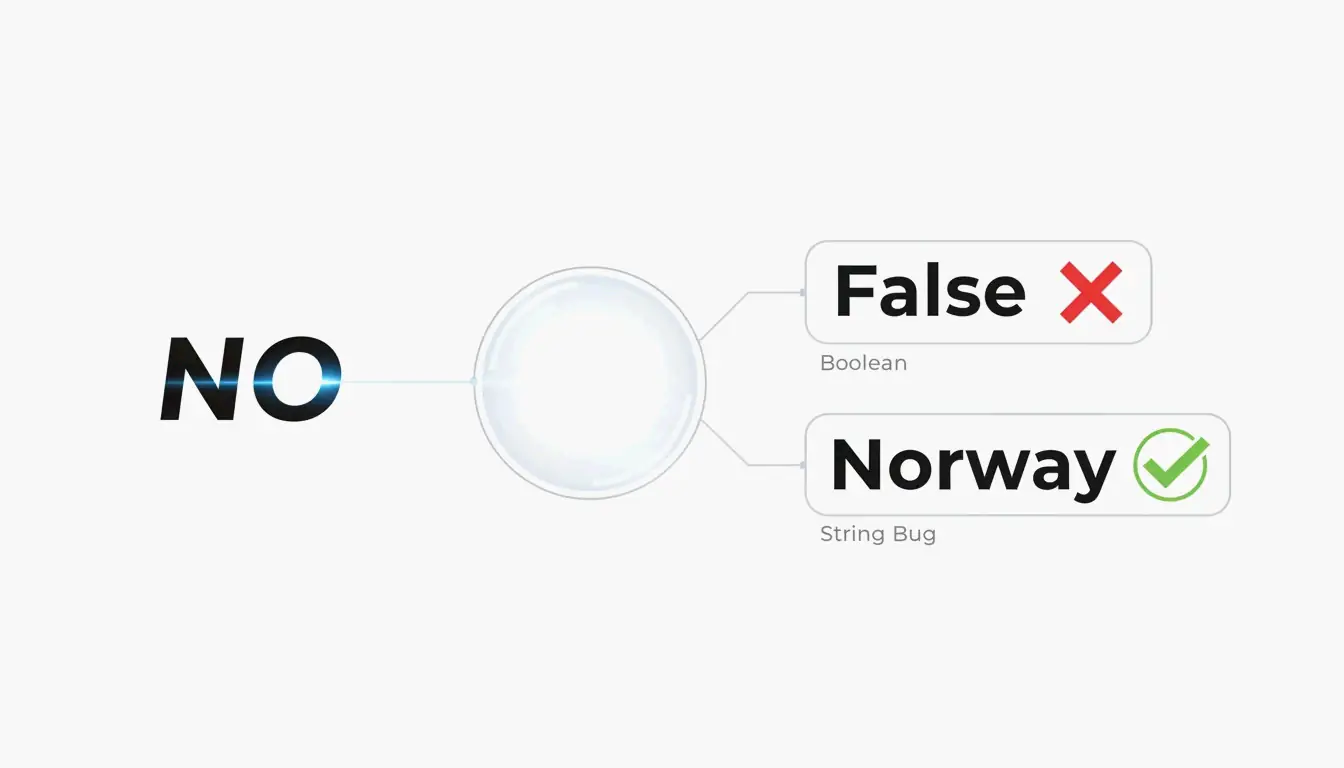
The NO Country Code Bug
In YAML 1.1, bare strings like NO, OFF, and YES are auto-coerced to boolean false or true. TOML avoids this by requiring quotes on all strings. When converting, always quote ambiguous values in YAML:
| Value | YAML 1.1 Interpretation | Fix |
|---|---|---|
NO |
false |
"NO" |
OFF |
false |
"OFF" |
YES |
true |
"YES" |
On |
true |
"On" |
YAML 1.2 (the current spec) fixes most of these coercions, but many parsers still default to 1.1 behavior.
Indentation Errors
YAML parsers reject files with inconsistent indentation. Common mistakes:
- Mixing tabs and spaces (YAML forbids tabs)
- Using 3 spaces in one block and 2 in another
- Misaligned list items
AI-Assisted Generation
Tools like AgentBuilder let you describe configuration in plain English and output validated YAML. This “describe → generate → validate” cycle helps avoid both indentation errors and the Norway Problem.
Conclusion
Use yq -oy '.' file.toml for automated conversion. For manual work, map TOML tables to YAML indentation, arrays to dash-prefixed lists, and always quote strings that could be mistaken for booleans. After any conversion, validate the YAML output before deploying — a single misaligned space or unquoted NO can break your entire pipeline.
FAQ
Does YAML support comments like TOML?
Yes. Both use # for single-line comments. YAML comments can interfere with multi-line string parsing, so place them on separate lines when in doubt.
What is the ‘Norway Problem’ in YAML?
In YAML 1.1, bare strings like NO (Norway’s country code) are auto-converted to boolean false. TOML avoids this by requiring quotes on all string values. When converting TOML to YAML, wrap any potentially ambiguous string in quotes.
Which format handles deep nesting better?
YAML. TOML requires repeating long headers like [table.subtable.subsubtable] for each level, which becomes verbose. YAML represents the same hierarchy with indentation — more compact and readable at depth.
SectoJoy
• Indie Hacker & DeveloperI'm an indie hacker building iOS and web applications, with a focus on creating practical SaaS products. I specialize in AI SEO, constantly exploring how intelligent technologies can drive sustainable growth and efficiency.