UTF-8 to Base64URL Converter Guide (2026)
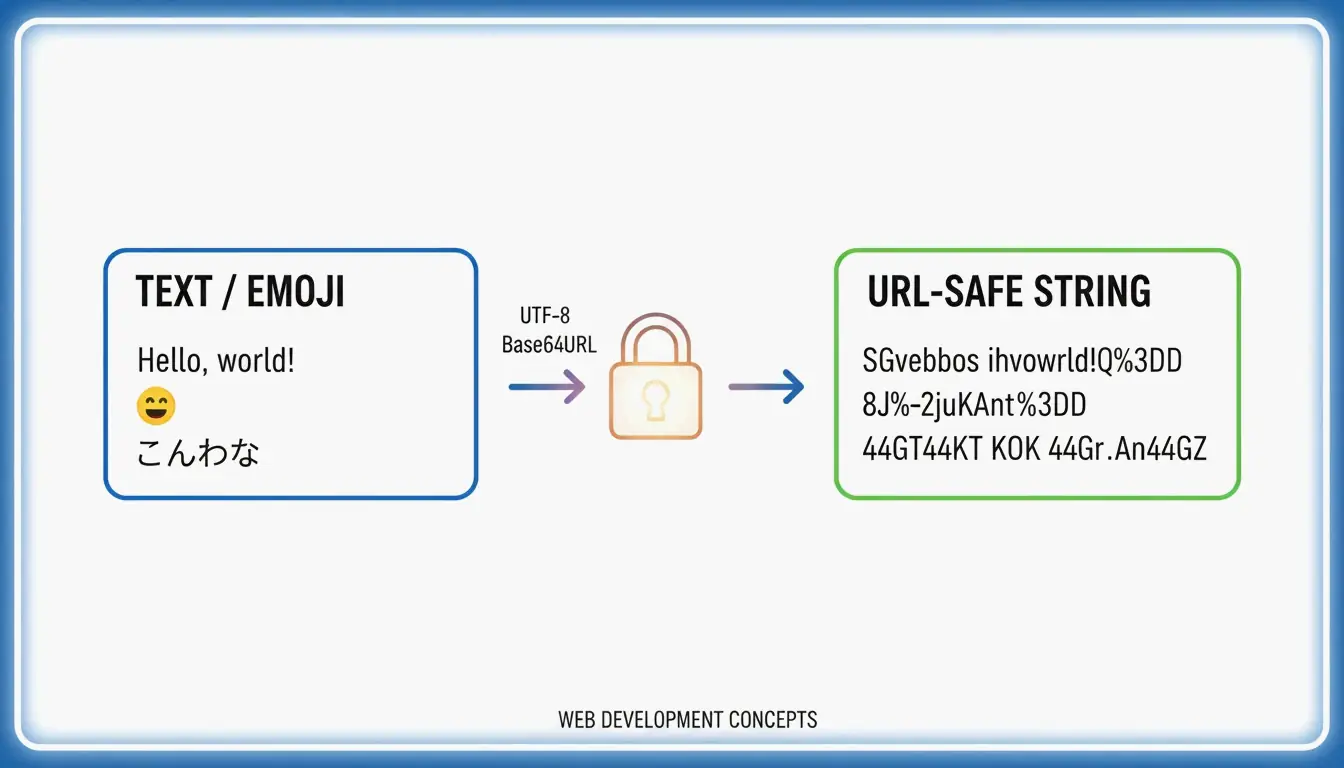
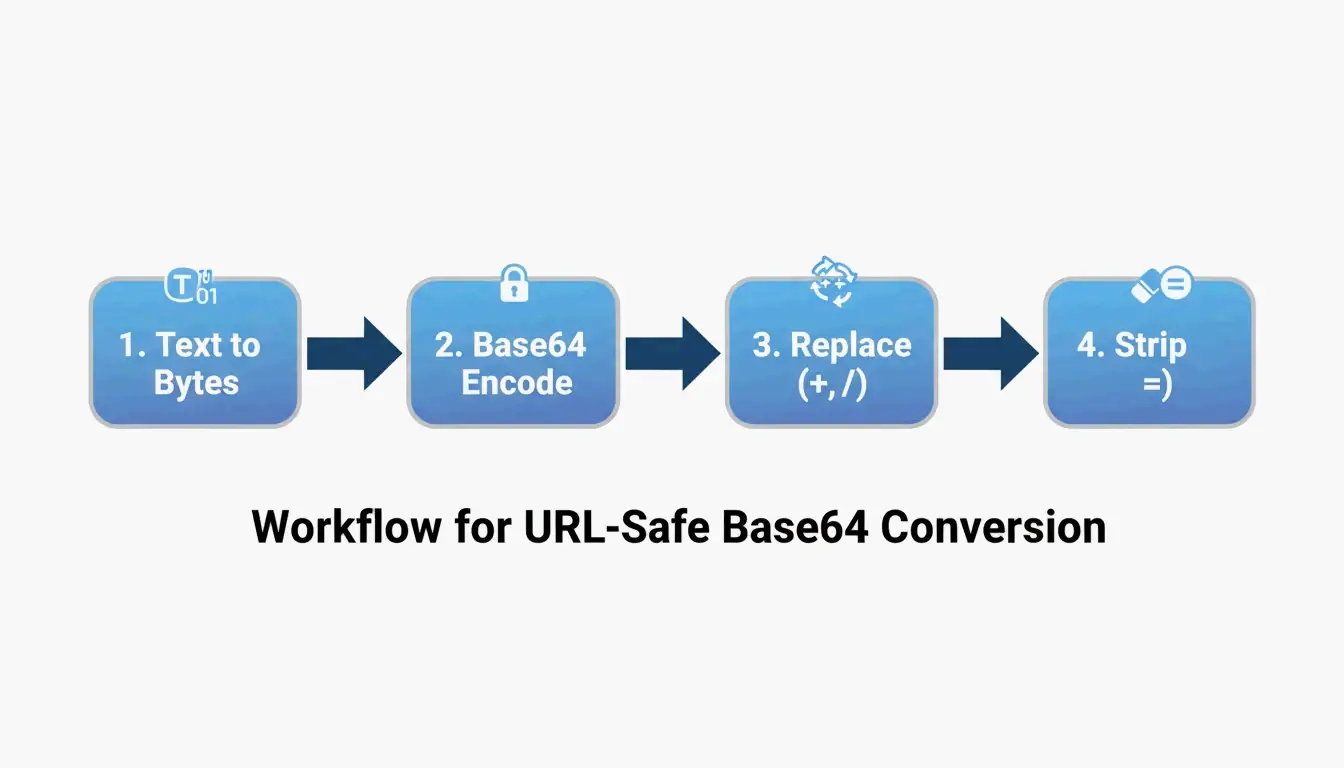
To convert UTF-8 to Base64URL, follow 4 steps: (1) encode text to UTF-8 bytes, (2) apply standard Base64, (3) swap + → - and / → _, (4) strip trailing = padding. This produces a URL-safe string per RFC 4648, used in JWTs and API headers.
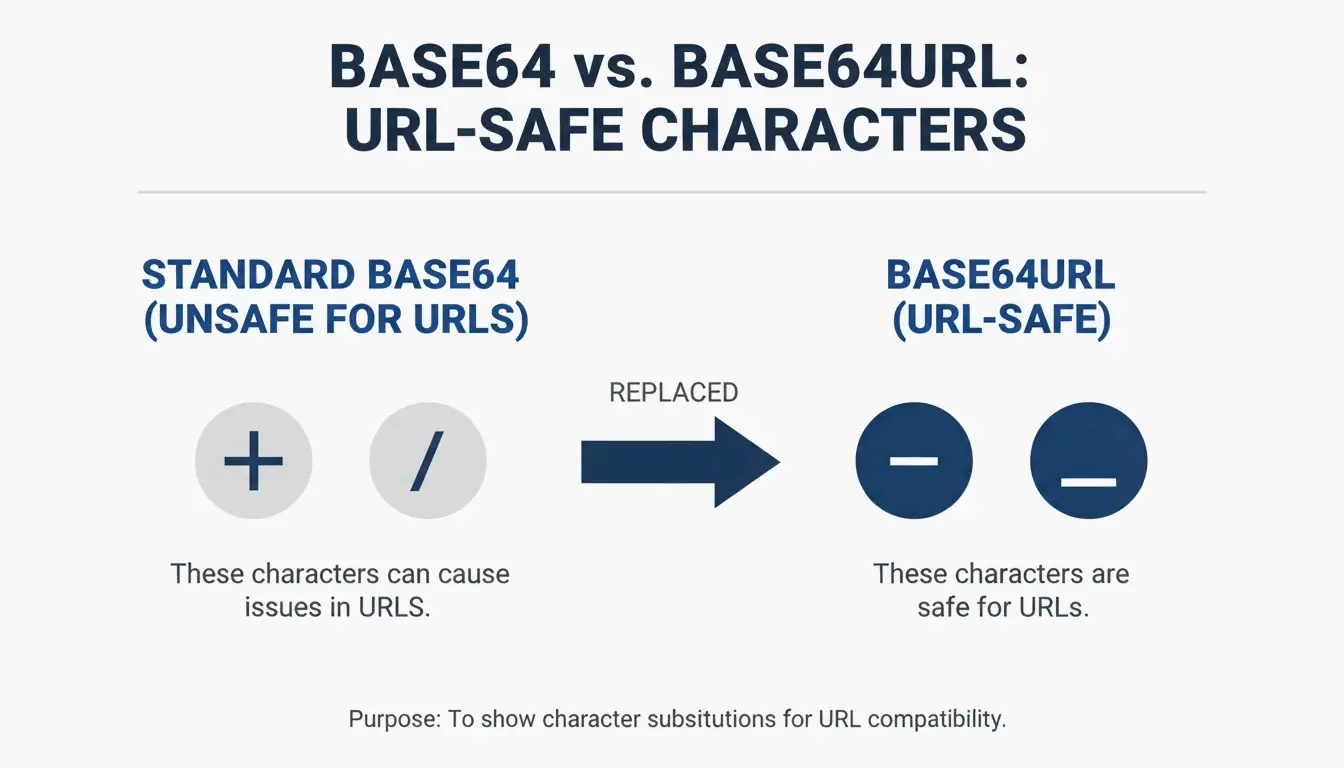
Standard Base64 vs. Base64URL
| Character | Standard Base64 | Base64URL | Why |
|---|---|---|---|
| 62nd character | + |
- |
+ means space in URLs |
| 63rd character | / |
_ |
/ is a path separator in URLs |
| Padding | = required |
Omitted | = becomes %3D in URLs |
| URL-safe | No | Yes | Direct use in query strings, filenames |
Per RFC 4648 §5, this “URL and Filename Safe Alphabet” ensures cross-system compatibility.
The 4-Step Conversion Process
| Step | Operation | Example (“Hello”) |
|---|---|---|
| 1 | UTF-8 text → bytes | H e l l o → byte array |
| 2 | Bytes → standard Base64 | SGVsbG8= |
| 3 | Swap + → -, / → _ |
No change needed here |
| 4 | Strip trailing = padding |
SGVsbG8 |
Base64 encoding increases data size by ~33% per Wikipedia.
Unicode and Emoji Handling
Per NextUtils, Base64 is encoding, not encryption — it moves data through text-only channels. To handle Unicode/emoji without corruption (“Mojibake”), always use TextEncoder to convert to UTF-8 bytes first.
| Input | Without TextEncoder | With TextEncoder |
|---|---|---|
Hello 世界! 🌍 |
Mojibake / TypeError | Correct Base64URL |
Code Examples
JavaScript (Browser) — Unicode-Safe
function toBase64Url(str) {
    const bytes = new TextEncoder().encode(str);
    const base64 = btoa(String.fromCharCode(...bytes));
    return base64.replace(/\+/g, '-').replace(/\//g, '_').replace(/=+$/, '');
}
Python 3 — Standard Library
Per AskPython:
import base64

data = "Hello 世界! 🌍"
encoded = base64.urlsafe_b64encode(data.encode('utf-8')).decode('utf-8').rstrip('=')
print(encoded)
Node.js — Buffer Conversion
const str = "API_Payload_Data";
const base64url = Buffer.from(str, 'utf8')
    .toString('base64')
    .replace(/\+/g, '-')
    .replace(/\//g, '_')
    .replace(/=/g, '');
Troubleshooting: Padding Errors
| Error | Cause | Fix |
|---|---|---|
binascii.Error: Incorrect padding |
Missing = padding |
Add = until length is multiple of 4 |
TypeError with atob() |
Non-ASCII characters | Use TextEncoder first |
| Garbled output | Skipped UTF-8 encoding | Always encode to bytes before Base64 |
Per AskPython, calculate missing padding: padding_needed = (4 - len(data) % 4) % 4, then append that many = characters.
Use Cases: JWT and Data URIs
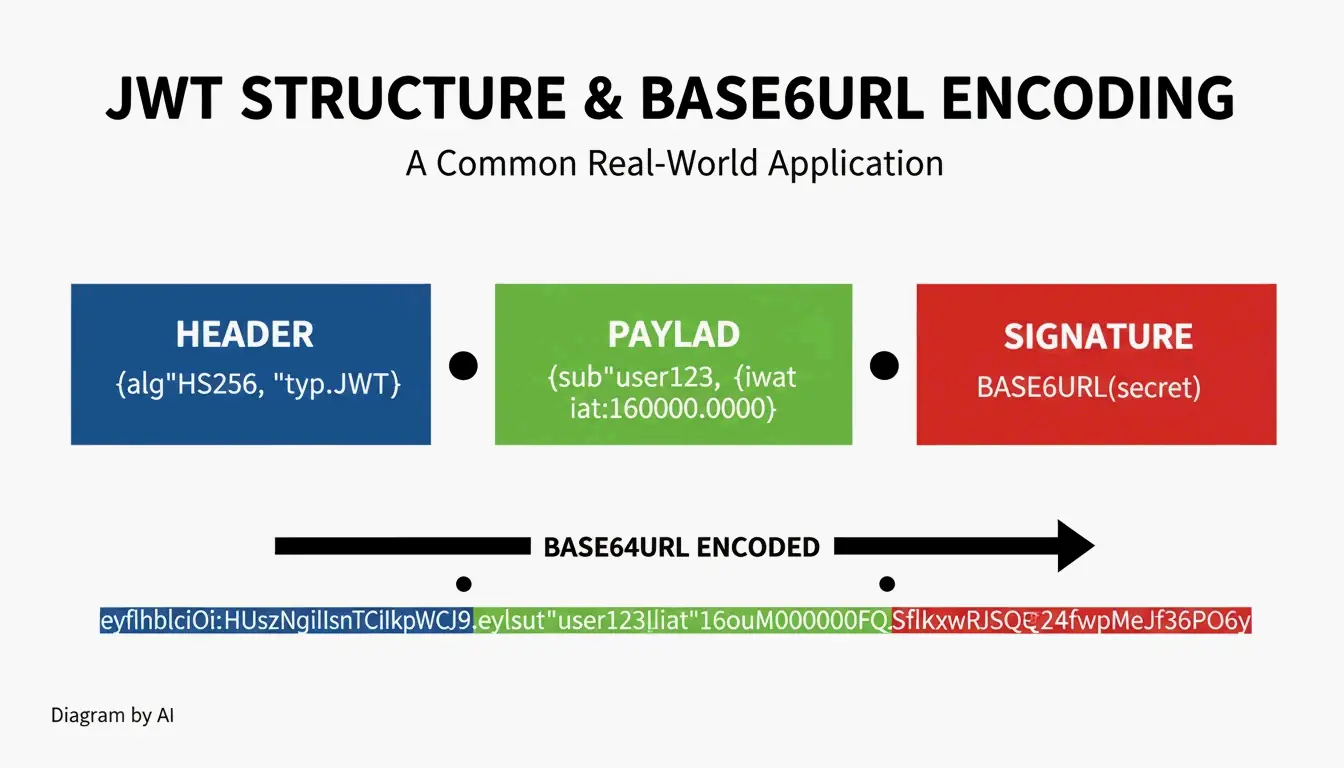
JWT (JSON Web Token) Structure
| Part | Content | Encoding |
|---|---|---|
| Header | Algorithm + token type | Base64URL |
| Payload | Claims (user data, expiration) | Base64URL |
| Signature | HMAC or RSA signature | Base64URL |
JWTs often start with eyJ — the Base64URL encoding of { (opening JSON bracket).
Base64 vs. Base64URL by Use Case
| Use Case | Encoding | Padding |
|---|---|---|
| JWT tokens | Base64URL | Omitted |
| Data URIs (embedded images) | Standard Base64 | Required |
| HTTP Basic Auth | Standard Base64 | Required |
| URL query parameters | Base64URL | Omitted |
Conclusion
4 steps: UTF-8 bytes → Base64 → swap +/ to -_ → strip padding. Use TextEncoder in JavaScript, base64.urlsafe_b64encode() in Python, Buffer in Node.js. Follow RFC 4648 for cross-system compatibility. Base64URL is encoding, not encryption — use AES-256 or TLS for security.
FAQ
Is Base64URL the same as encryption?
No. Base64URL is reversible encoding — anyone can decode it without a key. Use AES-256 or TLS/SSL for securing sensitive data.
Why does Base64URL fail in a standard Base64 decoder?
Standard decoders expect +, /, and = padding. Base64URL uses -, _, and omits padding. Reverse the character swaps and restore padding before decoding.
Why is padding omitted in JWTs?
The = character becomes %3D in URLs, making strings longer and harder to read. RFC 4648 allows omission because decoders can reconstruct the original length without padding markers.
SectoJoy
• Indie Hacker & DeveloperI'm an indie hacker building iOS and web applications, with a focus on creating practical SaaS products. I specialize in AI SEO, constantly exploring how intelligent technologies can drive sustainable growth and efficiency.