電子履歴書の作成:WordをPDFに完璧に変換する方法(2026)
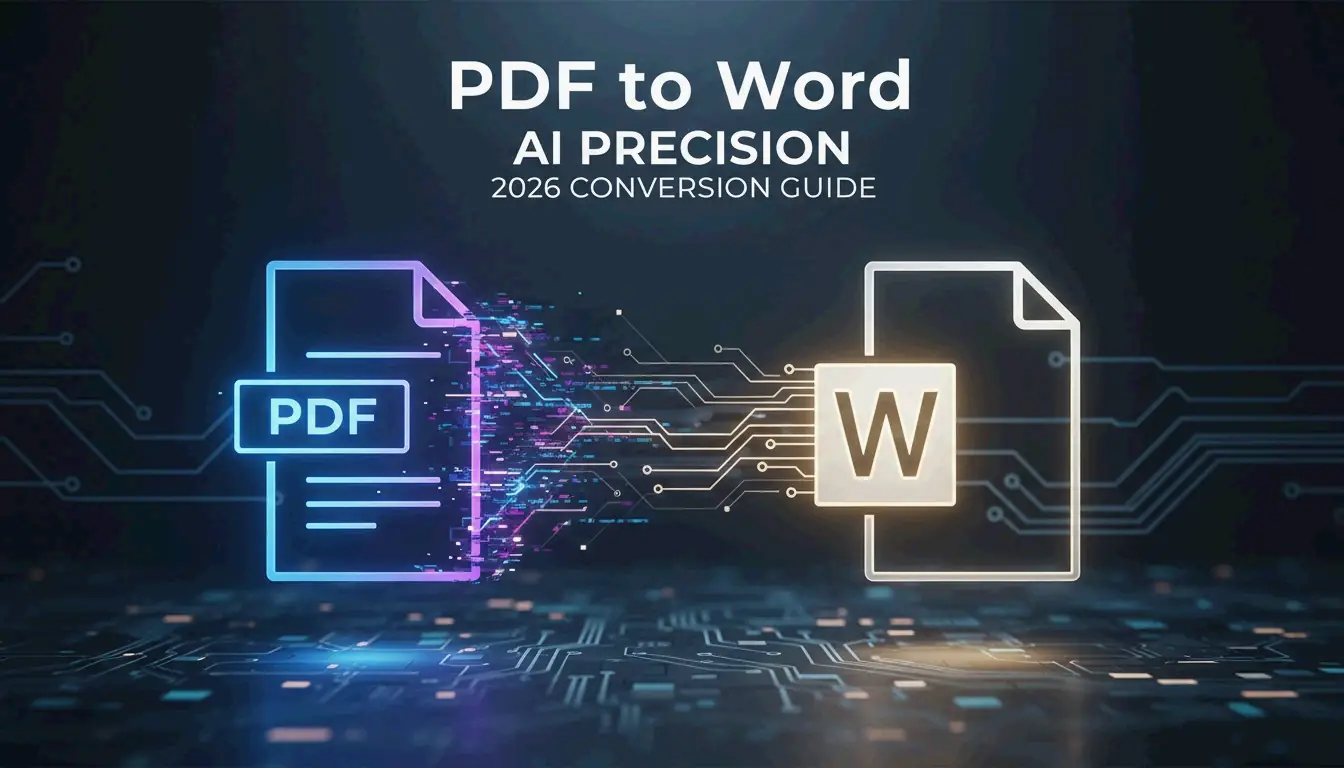
Wordの履歴書をPDFに変換するには、Microsoft Wordでドキュメントを開き、ファイル → エクスポート → PDF/XPSドキュメントの作成を選択します。最高品質を得るために、「標準(オンライン公開および印刷用)」を選択してください。これにより、書式が保持され、ハイパーリンクが有効なまま維持され、ATSでの読み取りが可能になります。
WordからPDFへ:6ステップのエクスポート手順
| ステップ | 操作 | 理由 |
|---|---|---|
| 1 | Microsoft Wordで最終稿を開く | マスター.docxファイルを使用 |
| 2 | ファイルタブをクリック | 左上の隅にあります |
| 3 | エクスポート(または名前を付けて保存)を選択 | どちらの方法でも可能 |
| 4 | PDF (*.pdf)形式を選択 | ドロップダウンから選択 |
| 5 | 「標準」最適化を選択 | メタデータ+ハイパーリンクを保持 |
| 6 | 発行をクリック | 完了 |
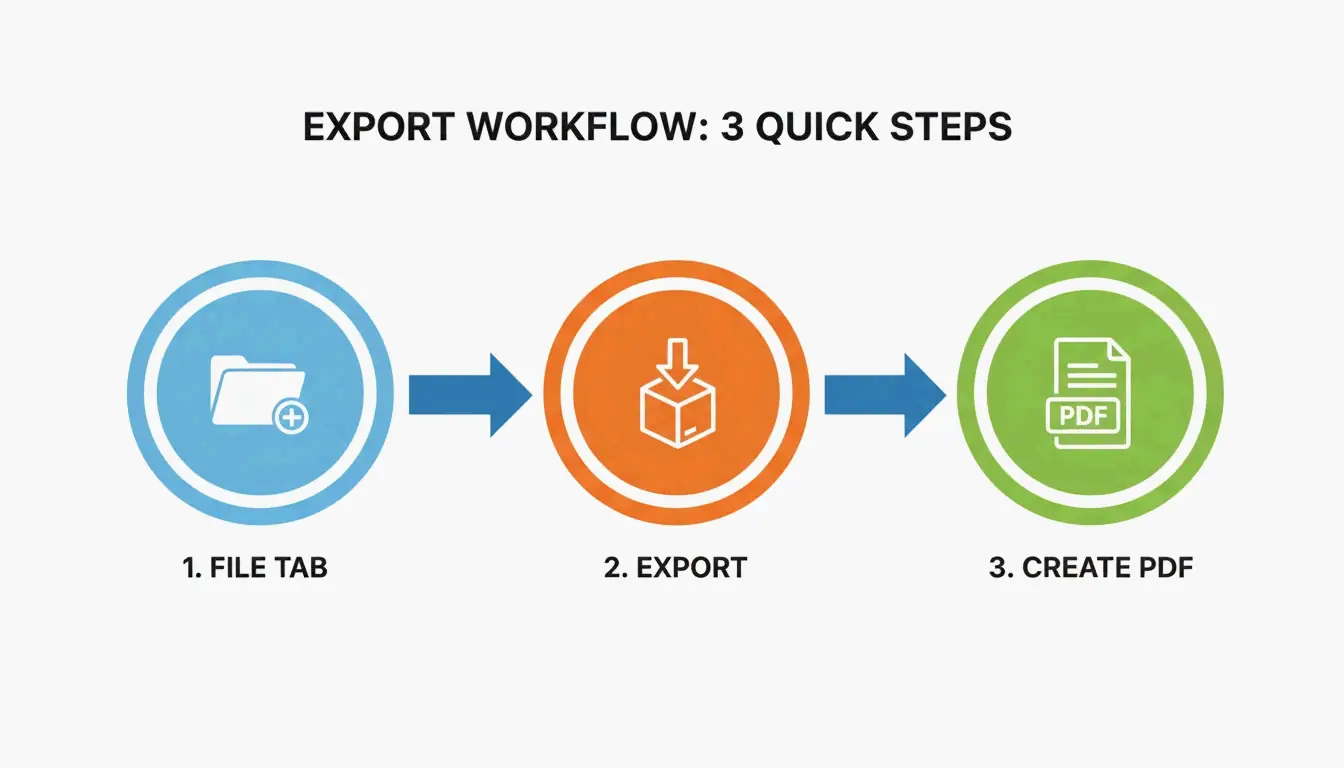
重要:エクスポートまたは名前を付けて保存を使用してください。「PDFに印刷」は、ハイパーリンクをフラット化し、レイアウトが崩れる可能性があるため、絶対に使用しないでください。
履歴書にDOCXよりPDFがおすすめの理由
| 要素 | DOCX | |
|---|---|---|
| 書式の一貫性 | デバイスやソフトウェアにより異なる | 固定 — どこでも同じ表示 |
| フォントのレンダリング | インストール済みフォントに依存 | ファイルに埋め込まれる |
| スペルチェックの下線 | 赤/青の波線が表示される | 除去 — クリーンな出力 |
| ハイパーリンク | 有効 | 有効(エクスポート経由) |
| ATS読み取り | 良好 | 良好(テキストベースの場合) |
| ファイルの改ざん | 簡単に編集可能 | 固定 |
Doroteya Vasileva, CPRW氏はEnhancvで、PDFが書式のズレやスペルチェックの痕跡を解消することを確認しています。
ATS互換性:5秒テスト
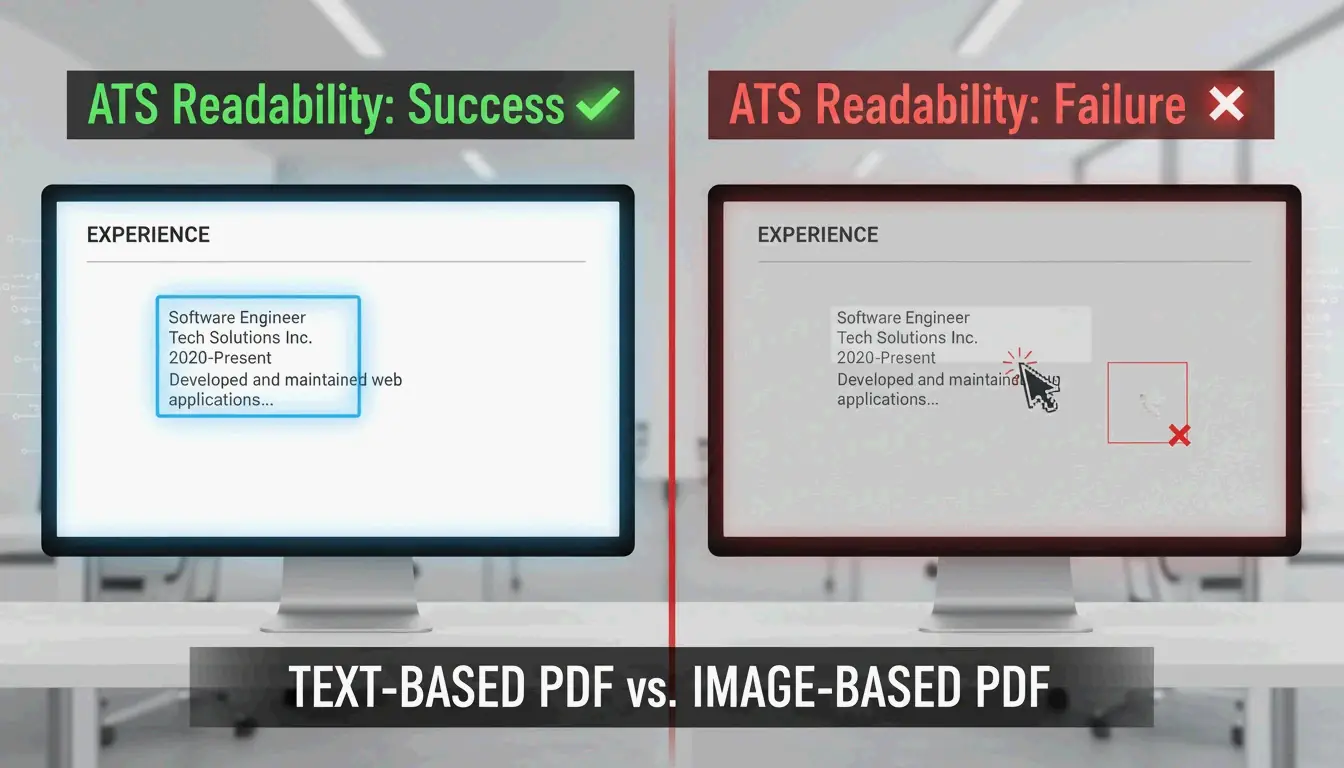
現代のATSはテキストベースのPDFを問題なく読み取れます。以下の簡単なテストで確認してください:
- PDFを開く
- マウスで文章を選択する
- テキストをコピーする
- メモ帳(Windows)またはTextEdit(Mac)に貼り付ける
| 結果 | 意味 | ATS判定 |
|---|---|---|
| 読み取り可能なテキスト | テキストベースのPDF | 合格 — ATS対応 |
| 文字化け / 記号 | エンコーディングの問題 | 不合格 — 元ドキュメントを修正 |
| テキストを選択できない | 画像ベースのPDF | 不合格 — ATSで弾かれる |
Enhancvによれば、ATSが端のテキストを切り取らないよう、余白は0.5〜1.0インチに保つことを推奨しています。
エクスポート方法の比較
| 方法 | ハイパーリンク | レイアウト精度 | ATS読み取り |
|---|---|---|---|
| ファイル → エクスポート | 保持される | 高い | はい |
| ファイル → PDFとして保存 | 保持される | 高い | はい |
| PDFに印刷 | 失われる | ずれる可能性あり | 不確実 |
| オンライン変換ツール | 工具により異なる | 工具により異なる | 工具により異なる |
常にエクスポートまたは名前を付けて保存を使用してください。PDFに印刷は使わないでください。
代替ツール
| ツール | 最適な用途 | 制限事項 |
|---|---|---|
| Microsoft Word(デスクトップ版) | フルコントロール、ハイパーリンク保持 | ライセンスが必要 |
| Google Docs(ファイル → ダウンロード → PDF) | 無料、基本的な履歴書 | IBTimes UKの報告によると複雑なレイアウトが崩れる可能性あり |
| pdfFiller | 一括変換、電子署名 | G2/Capterraで12,500件以上のレビュー |
| Adobe Acrobat DC | PDF編集、パスワード保護 | 有料 |
モバイル表示確認
採用担当者はスマートフォンで履歴書を確認することがよくあります。提出前に以下を確認してください:
- 自分のメールアドレスにPDFを送信する
- スマートフォンで開く(Adobe Acrobat DCまたはデフォルトのビューアー)
- 確認:フォントが読みやすい、テキストボックスが保持されている、レイアウトが崩れていない
- ハイパーリンクのテスト:LinkedInやポートフォリオのリンクがクリック可能か
履歴書のフォーマットベストプラクティス
| 設定項目 | 推奨事項 |
|---|---|
| 余白 | 0.5〜1.0インチ(ATSでの切り取りを防止) |
| フォント | 標準システムフォント(Arial、Calibri、Times New Roman) |
| テキストボックス | 浮動テキストボックスは避ける — 変換時に問題が生じる可能性あり |
| 画像 | 使用を避ける — ATSは画像内のテキストを読み取れない |
| ファイル名 | FirstName_LastName_Resume.pdf |
| ファイルサイズ | メール/ポータルアップロード用に1 MB以下 |
まとめ
Microsoft Wordのファイル → エクスポート → PDFは、書式、ハイパーリンク、ATS読み取りを維持します。テキストベースの出力を確認するために、必ず5秒のメモ帳テストを実行してください。提出前にモバイル表示を確認してください。将来の編集用にマスター.docxを保管し、送信は常にPDFで行いましょう。
よくある質問
PDFに変換した後、レイアウトが変わってしまった場合は?
標準システムフォント(Arial、Calibri)を使用してください。これらは正しく埋め込まれます。浮動テキストボックスや複雑なグラフィックは避けてください。Enhancvによれば、変換時のコンテンツの切り取りを防ぐため、余白は0.5〜1.0インチに保つことを推奨しています。
PDFとして保存した後もハイパーリンクはクリック可能ですか?
はい — エクスポートまたは名前を付けて保存を使用した場合です。「PDFに印刷」はドキュメントをフラット化し、すべてのハイパーリンクを削除します。提出前に必ずPDFビューアーでリンクをテストしてください。
ATSにはPDFとDOCXのどちらを提出すべきですか?
PDFが推奨されます — ビジュアルブランディングが保護されます。求人の応募要件で明確に指定されている場合のみDOCXを使用してください。現代のATSはどちらの形式にも対応していますが、必ずメモ帳テストでPDFの読み取り可能性を確認してください。
SectoJoy
• Indie Hacker & DeveloperI'm an indie hacker building iOS and web applications, with a focus on creating practical SaaS products. I specialize in AI SEO, constantly exploring how intelligent technologies can drive sustainable growth and efficiency.