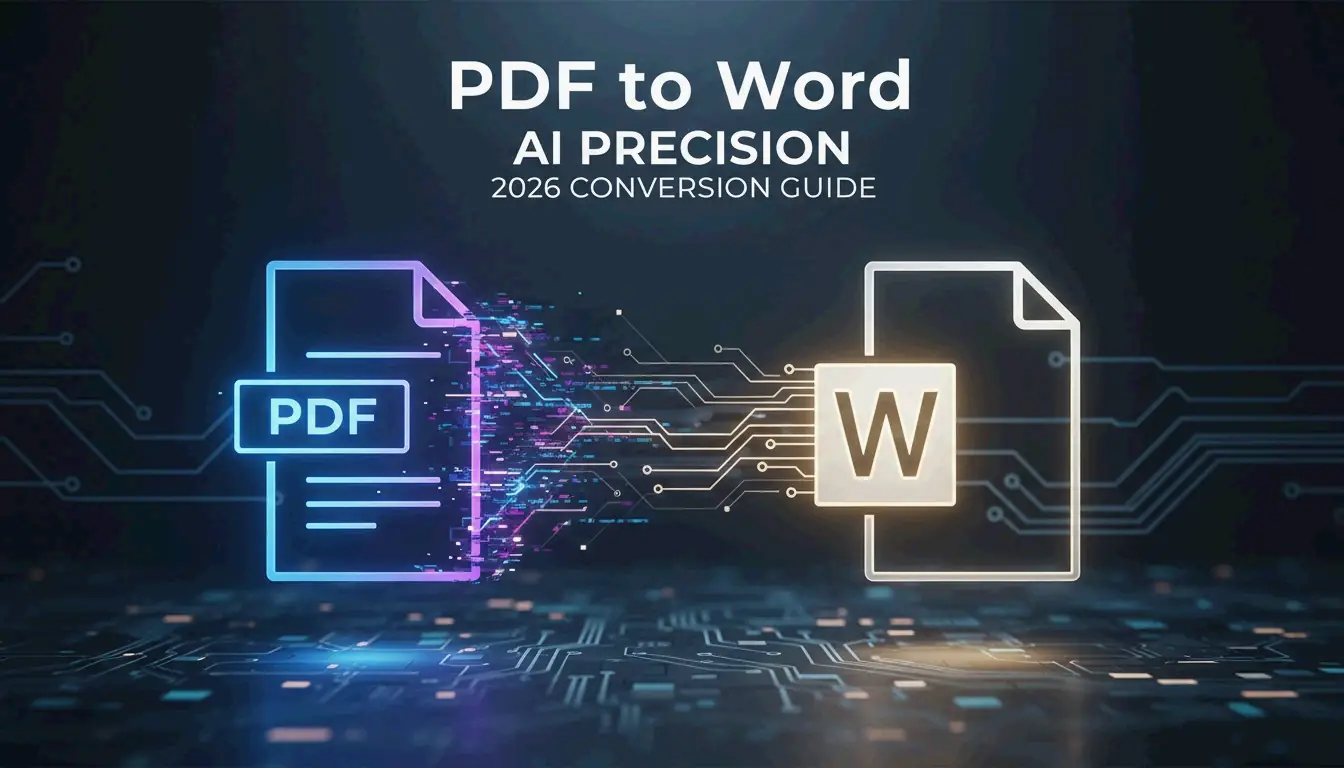
ইলেকট্রনিক রিজিউম তৈরি: Word ডকুমেন্টকে PDF ফরম্যাটে নিখুঁতভাবে রূপান্তর করার পদ্ধতি (2026)
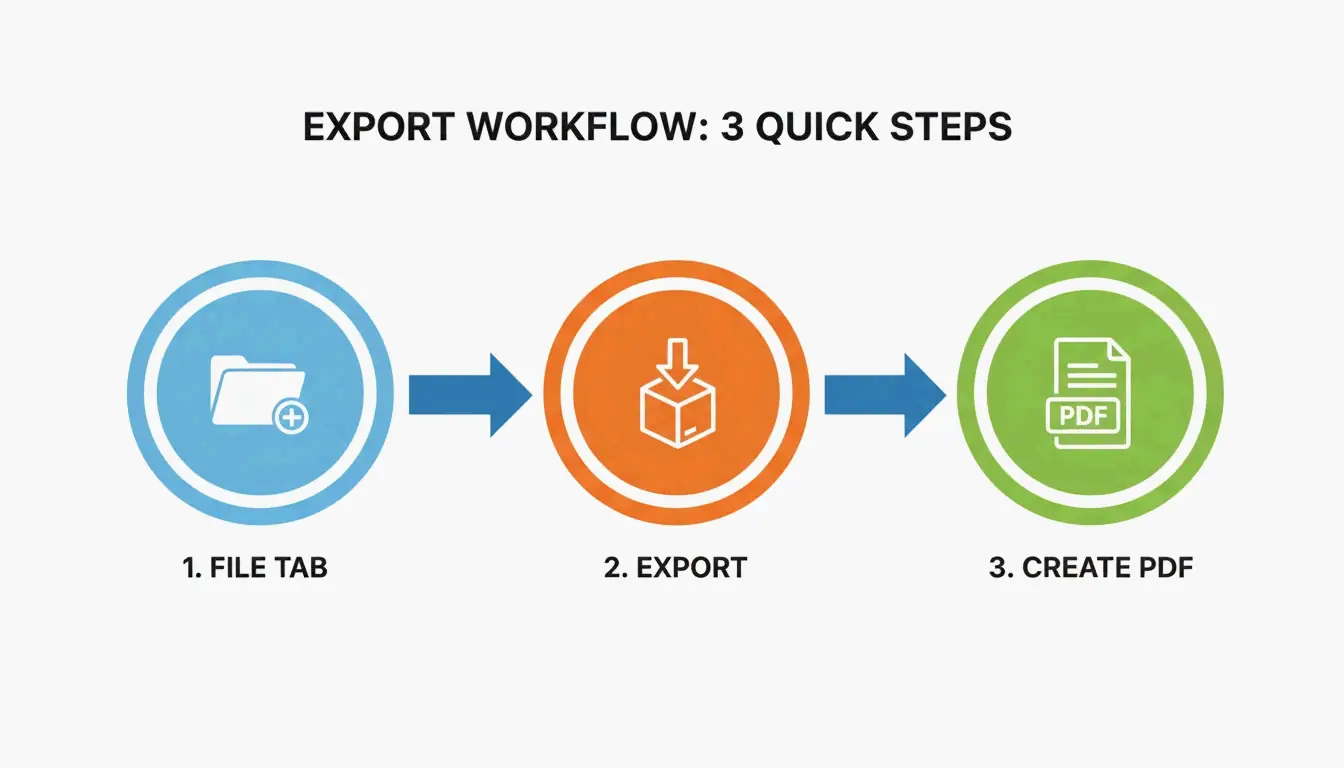
Word রিজিউমকে PDF-এ রূপান্তর করতে Microsoft Word-এ ডকুমেন্টটি খুলুন → File → Export → Create PDF/XPS। সেরা মানের জন্য “Standard (publishing online and printing)” বেছে নিন। এতে ফরম্যাটিং সুরক্ষিত থাকে, হাইপারলিঙ্কগুলো সক্রিয় থাকে এবং ATS পাঠযোগ্যতা নিশ্চিত হয়।
Word থেকে PDF: ৬-ধাপের এক্সপোর্ট
| ধাপ | কাজ | কারণ |
|---|---|---|
| ১ | আপনার .docx রিজিউমটি Microsoft Word-এ খুলুন | Google Docs বা LibreOffice ব্যবহার করবেন না — এগুলো লেআউট পরিবর্তন করতে পারে |
| ২ | File → Export → Create PDF/XPS ক্লিক করুন | “Print to PDF” নয় — এটি হাইপারলিঙ্কগুলো মুছে ফেলে |
| ৩ | Standard কোয়ালিটি বেছে নিন | ইমেইল/ATS-এর জন্য মান ও ফাইল সাইজের সেরা সমন্বয় |
| ৪ | Optimize for: Standard চেক করুন | ফন্ট সঠিকভাবে এমবেড হয় তা নিশ্চিত করে |
| ৫ | Publish ক্লিক করুন | আপনার .docx-এর সাথে মিলে এমন একটি ভিউ-ওনলি PDF তৈরি হবে |
| ৬ | PDF খুলুন এবং সকল হাইপারলিঙ্ক পরীক্ষা করুন | LinkedIn, পোর্টফোলিও, ইমেইল লিঙ্কগুলো কাজ করছে কিনা যাচাই করুন |
PDF রিজিউম কেন DOCX-এর চেয়ে ভালো
| বৈশিষ্ট্য | PDF রিজিউম | DOCX রিজিউম |
|---|---|---|
| ফরম্যাটিং লক | লকড — সর্বত্র অভিন্ন দেখায় | Word সংস্করণ এবং OS জুড়ে বিভিন্ন দেখায় |
| ATS পাঠযোগ্যতা | আধুনিক ATS দ্বারা পাঠযোগ্য (~২০২০ থেকে) | সম্পূর্ণ পাঠযোগ্য |
| হাইপারলিঙ্ক সংরক্ষণ | লিঙ্কগুলো ক্লিকযোগ্য থাকে | লিঙ্কগুলো ক্লিকযোগ্য থাকে |
| ফাইল সাইজ | ছোট (~১০০ KB) | বড় (~২৫০ KB ছবি সহ) |
| পেশাদার চেহারা | পরিপূর্ণ এবং চূড়ান্ত | খসড়ার মতো দেখায় |
| সম্পাদনা সুরক্ষা | টুল ছাড়া সম্পাদনা করা যায় না | যে কেউ পরিবর্তন করতে পারে |
এক্সপোর্টের আগে: ৫টি প্রি-ফ্লাইট চেক
- বানান পরীক্ষা — Word-এর স্পেল চেকার চালান (Review → Spelling & Grammar)। একটি ভুল বানানও আপনার ইন্টারভিউ নষ্ট করতে পারে।
- ফন্ট এমবেডিং — File → Options → Save → Embed fonts in the file-এ যান। এতে আপনার রিজিউম প্রতিটি কম্পিউটারে একই দেখাবে।
- মার্জিন চেক — সব দিকে কমপক্ষে ০.৫ ইঞ্চি মার্জিন আছে কিনা যাচাই করুন। সরু মার্জিন PDF-এ টেক্সট ক্লিপিং ঘটাতে পারে।
- হাইপারলিঙ্ক পরীক্ষা — প্রতিটি লিঙ্কে ক্লিক করুন (LinkedIn, পোর্টফোলিও, ইমেইল)। PDF রিজিউমে ভাঙা লিঙ্ক একটি নেতিবাচক সংকেত।
- ছবি অপ্টিমাইজেশন — এক্সপোর্টের আগে সকল ছবি < 200 KB-এ কম্প্রেস করুন। বড় ছবি PDF-এর সাইজ বাড়ায় এবং ATS পার্সার ক্র্যাশ করতে পারে।
Word থেকে PDF-এ রূপান্তরের ফ্রি টুল
| টুল | খরচ | সেরা ব্যবহার | হাইপারলিঙ্ক সাপোর্ট |
|---|---|---|---|
| Microsoft Word (Export) | ফ্রি (Microsoft 365) | সেরা মান — প্রথমে এটি ব্যবহার করুন | হ্যাঁ |
| Google Docs (Download → PDF) | ফ্রি | আপনার কাছে Word ইনস্টলড না থাকলে | আংশিক |
| LibreOffice Writer | ফ্রি | Linux ব্যবহারকারীদের জন্য | আংশিক |
| BeConverter.com | ফ্রি | দ্রুত ব্রাউজার-ভিত্তিক রূপান্তর | হ্যাঁ |
| Adobe Acrobat Online | ফ্রি ট্রায়াল | রূপান্তরের পর উন্নত PDF সম্পাদনা | হ্যাঁ |
সাধারণ সমস্যা ও সমাধান
আমার PDF Word ফাইলের চেয়ে ভিন্ন দেখাচ্ছে
এর অর্থ সাধারণত ফন্ট এমবেড করা হয়নি। File → Options → Save → “Embed fonts in the file” চেক করুন। পুনরায় এক্সপোর্ট করুন। সমস্যা থাকলে Calibri, Arial, বা Times New Roman-এর মতো একটি স্ট্যান্ডার্ড ফন্ট ব্যবহার করুন।
আমার PDF অনেক বড় (১ MB এর বেশি)
এক্সপোর্টের আগে ছবিগুলো কম্প্রেস করুন। Word-এ যেকোনো ছবি সিলেক্ট করুন → Picture Format → Compress Pictures → 150 ppi। অপ্রয়োজনীয় গ্রাফিক্স সরিয়ে ফেলুন। একটি রিজিউম PDF ৩০০ KB-এর মধ্যে হওয়া উচিত।
ATS আমার PDF পড়তে পারছে না
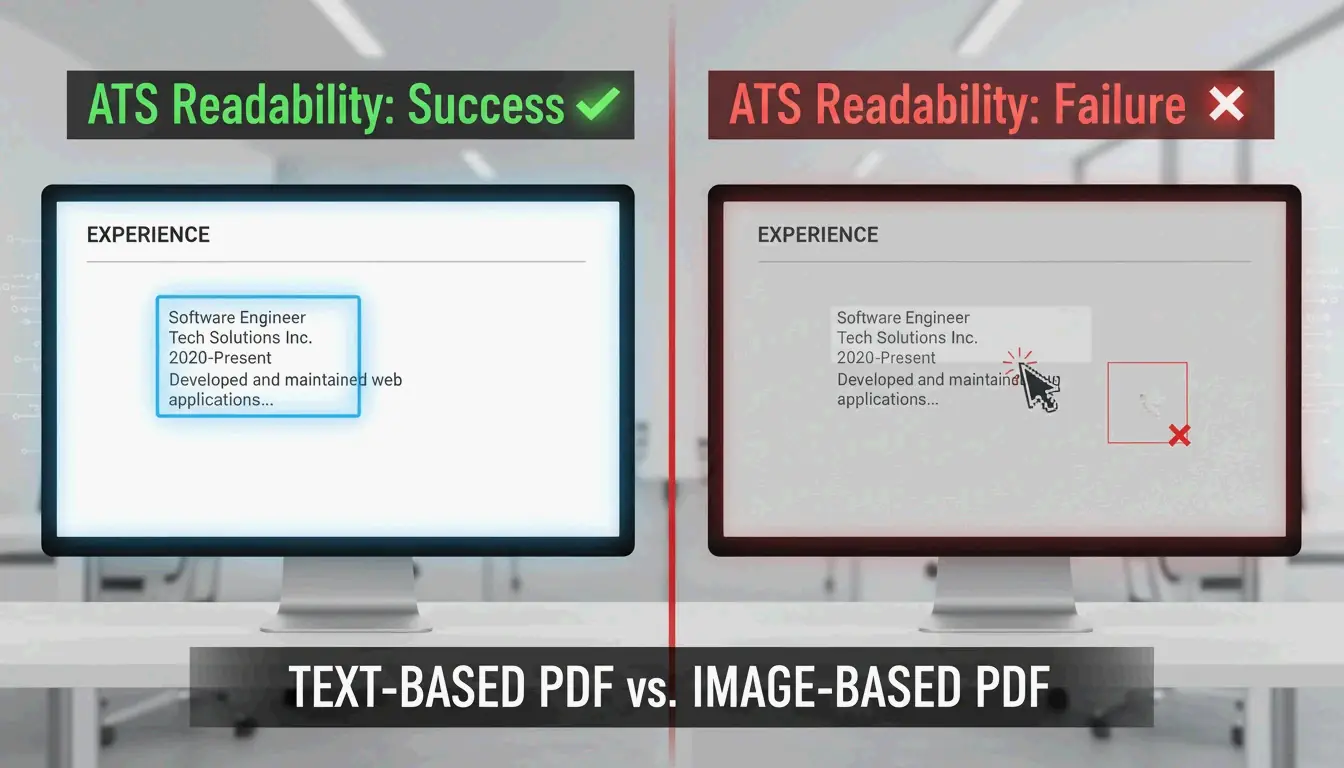
নোটপ্যাড টেস্ট করুন: আপনার PDF ফাইলটি Notepad-এ (বা যেকোনো প্লেইন টেক্সট এডিটরে) খুলুন। আপনি যদি আপনার নাম এবং মূল তথ্য পড়তে পারেন, তাহলে ATS-ও পারবে। যদি এটি অর্থহীন দেখায়, তাহলে আপনার PDF টেক্সটের বদলে স্ক্যান করা ছবি ব্যবহার করছে। কন্টেন্টটি পুনরায় টাইপ করুন অথবা OCR ব্যবহার করুন।
Word থেকে PDF সম্পর্কিত প্রায়শই জিজ্ঞাসিত প্রশ্ন
Word থেকে PDF-এ রূপান্তর করলে কি মান কমে?
না — আপনি যদি Export বা Save As ব্যবহার করেন, তাহলে মান সুরক্ষিত থাকে। শুধুমাত্র “Print to PDF” মান কমাতে পারে কারণ এটি ডকুমেন্টটিকে ফ্ল্যাটেন করে।
PDF-এ রূপান্তর করলে কি হাইপারলিঙ্কগুলো থাকে?
হ্যাঁ — আপনি যদি Export বা Save As ব্যবহার করেন। “Print to PDF” ডকুমেন্টটিকে ফ্ল্যাটেন করে এবং সকল হাইপারলিঙ্ক মুছে ফেলে। জমা দেওয়ার আগে সবসময় PDF ভিউয়ারে লিঙ্কগুলো পরীক্ষা করুন।
ATS-এর জন্য PDF নাকি DOCX জমা দেব?
PDF পছন্দনীয় — এটি আপনার ভিজ্যুয়াল ব্র্যান্ডিং সুরক্ষিত রাখে। শুধুমাত্র কাজের বিবরণে স্পষ্টভাবে DOCX চাওয়া হলেই তা ব্যবহার করুন। আধুনিক ATS উভয় ফরম্যাটই ভালোভাবে পরিচালনা করে, তবে সবসময় নোটপ্যাড টেস্ট দিয়ে PDF পাঠযোগ্যতা যাচাই করুন।
SectoJoy
• Indie Hacker & DeveloperI'm an indie hacker building iOS and web applications, with a focus on creating practical SaaS products. I specialize in AI SEO, constantly exploring how intelligent technologies can drive sustainable growth and efficiency.