How to AI Prompt with BeConverter: Reverse Engineer Any Visual in 4 Steps
Upload an image to BeConverter, let its Vision-Language Model (VLM) decompose the visual into style tokens, then paste the extracted prompt into Midjourney, Stable Diffusion, or FLUX. That is the complete workflow for turning any visual into a reproducible AI prompt—no guesswork required.
What Is Reverse Prompting and How Does BeConverter Work?
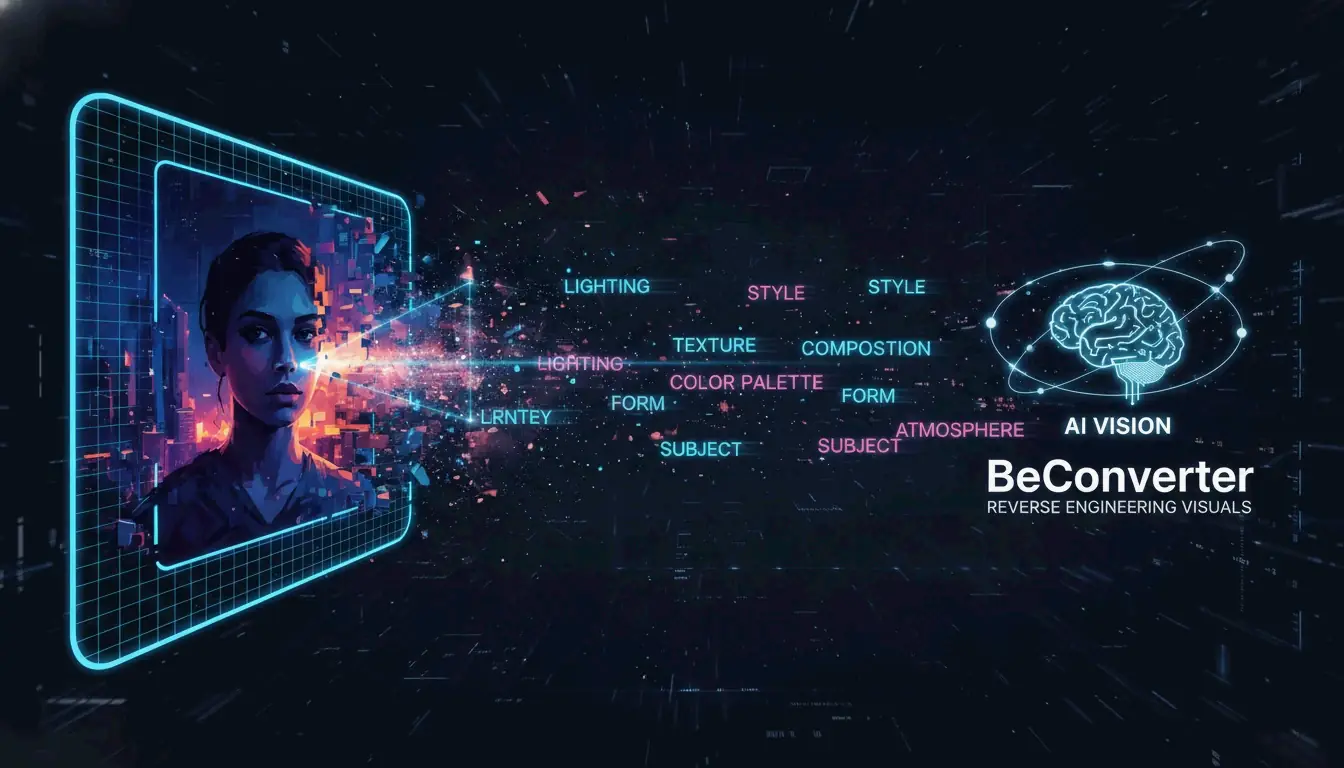
Reverse prompting converts pixels back into text a generative model can understand. Instead of writing a prompt from scratch and hoping the output matches a reference, you start with the finished image and extract the exact keywords, lighting conditions, and aesthetic tags that define its look.
BeConverter uses a Vision-Language Model (VLM) to analyze an image’s artistic properties. The model compares your photo against its training data to classify attributes like rendering style (3D vs. oil painting), lighting setup (volumetric vs. ambient), and composition. The result is a structured text prompt you can feed into any image generator.
VLM vs. OCR: Why Standard Scanning Cannot Read Art
Optical Character Recognition (OCR) reads text—letters, numbers, receipts. A VLM reads art direction. As PromptsEra explains, where OCR sees the word “STOP” on a sign, a VLM detects the octagonal shape, the faded red paint, the depth of field, and the angle of the sun—details essential for visual reproduction.
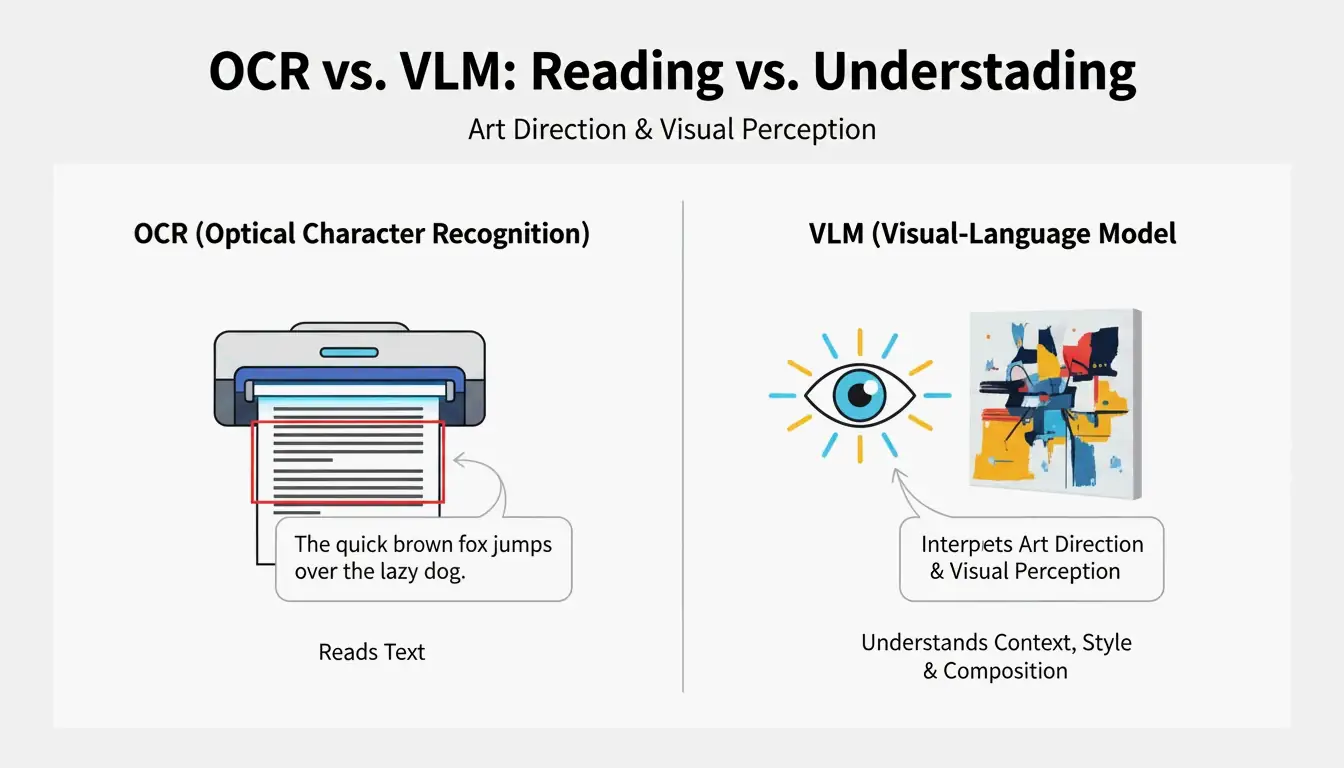
| Capability | OCR | VLM |
|---|---|---|
| Reads text | Yes | Limited |
| Identifies lighting | No | Yes |
| Detects composition style | No | Yes |
| Extracts color grading | No | Yes |
| Outputs prompt-ready text | No | Yes |
4-Step Workflow: How to AI Prompt with BeConverter
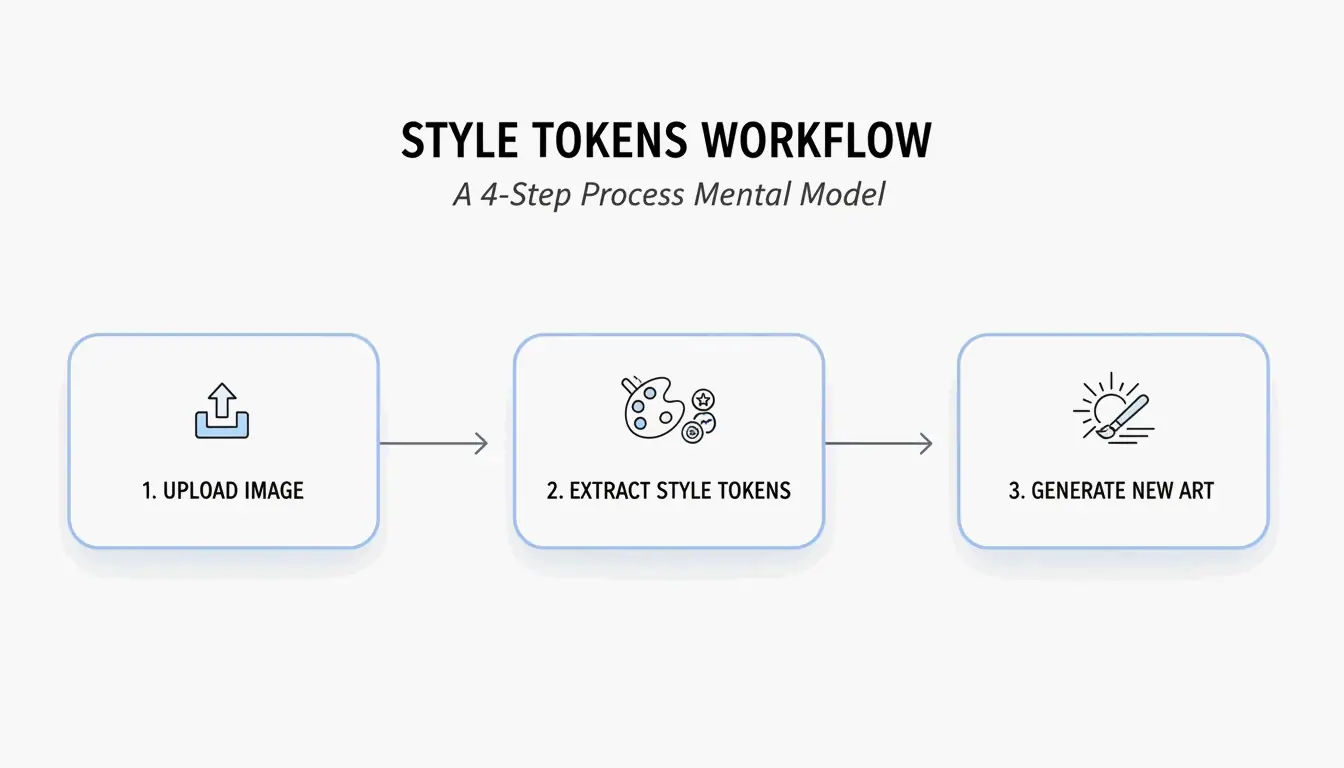
Based on the Style Token Isolation Strategy from PromptsEra, follow this sequence:
- Upload your source image — Use a high-resolution file. The VLM needs clear pixels to detect subtle attributes like “volumetric lighting” or “35mm lens grain.”
- Choose your interrogator — Select CLIP Interrogator for descriptive, poetic prompts (ideal for Midjourney) or DeepDanbooru for comma-separated tags (ideal for Stable Diffusion).
- Isolate style tokens — Delete the subject tokens (e.g., “a cat”) and retain only the style markers (e.g., “cyberpunk, neon rim lighting, 8k, cinematic depth of field”).
- Paste into your generator — Copy the cleaned tokens into Midjourney v7, Stable Diffusion, or FLUX and generate.
Adapting Prompts for 2026 Models: FLUX vs. Midjourney
Each model interprets prompts differently. PromptsEra notes that abstract descriptions like “melancholy atmosphere” work well in Midjourney but fail in FLUX, which requires literal spatial descriptions like “dark room with rain hitting the window, overhead fluorescent light casting long shadows.”
| Prompt Style | Midjourney v7 | FLUX | Stable Diffusion |
|---|---|---|---|
| Abstract/poetic | Strong | Weak | Moderate |
| Literal/spatial | Moderate | Strong | Moderate |
| Comma-separated tags | Moderate | Moderate | Strong |
| Negative prompts | Supported (--no) |
Supported | Supported |
The Frankenstein Strategy: Merging Styles from Multiple Images
The most effective reverse engineering technique combines style tokens from different sources. Use BeConverter to extract lighting from Image A and subject rendering from Image B, then merge them into a single prompt.
Key controls for consistent merging:
- Aspect Ratio — Set explicitly (e.g.,
--ar 16:9for Midjourney) since reverse tools cannot infer your intended canvas. - Negative Prompts — Always add exclusions like “blurry, deformed, low quality.” Reverse tools only detect what is present; they cannot identify what should be absent.
As Andrew Lo, Director of MIT’s Laboratory for Financial Engineering, advises: “Always ask the LLM, what are you uncertain about? What information are you missing?” Apply the same principle—identify the gaps in your reconstructed prompt before generating.
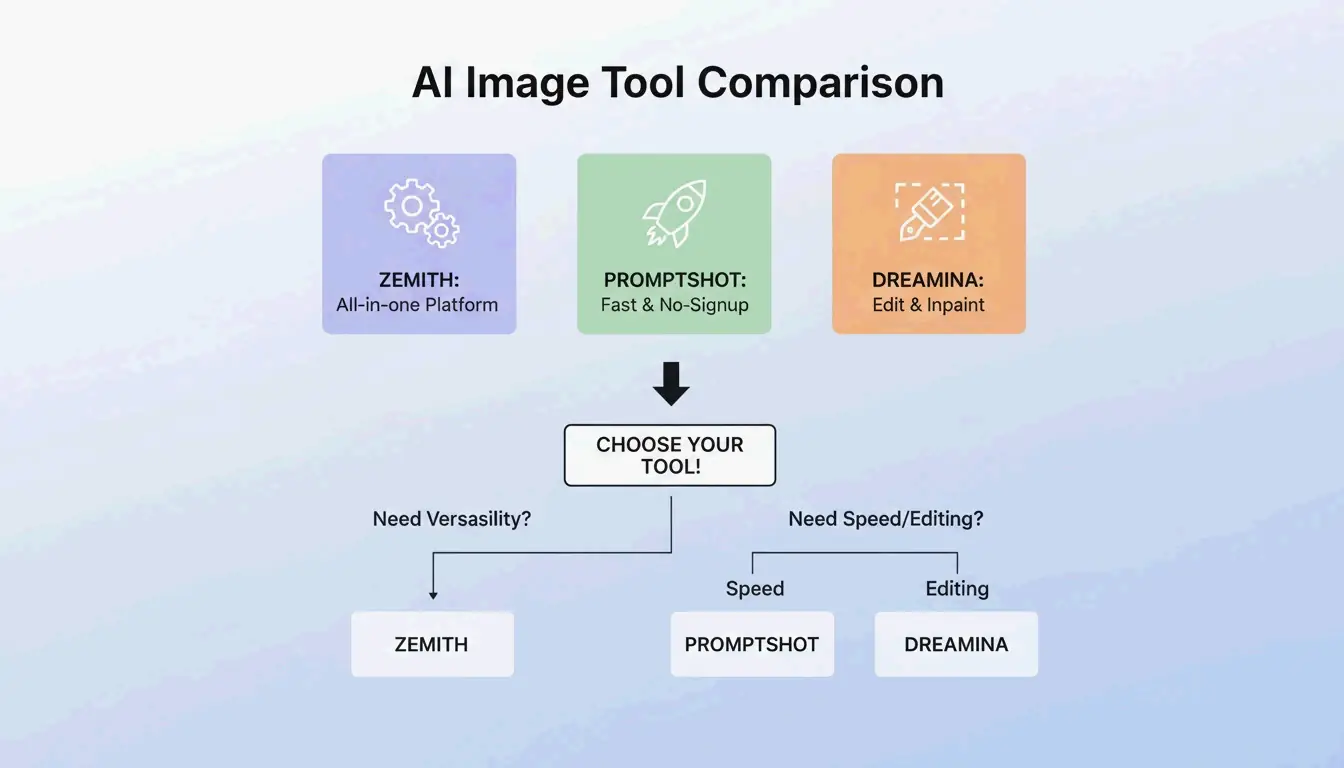
BeConverter vs. Zemith vs. PromptShot: Tool Comparison (2026)
| Feature | BeConverter | Zemith | PromptShot AI |
|---|---|---|---|
| Interrogator modes | CLIP + DeepDanbooru | Multi-model (25+) | Single-pass |
| Daily free credits | Yes | 100 | Unlimited |
| Sign-up required | No | Yes | No |
| Best for | Token isolation | All-in-one workflow | Quick extractions |
| Output format | Descriptive + tags | Model-specific | Prompt string |
Additional options worth noting:
- Zemith — Over 30,000 users as of 2026. According to Zemith, it supports 25+ models including GPT-5.5 with 100 daily credits.
- PromptShot AI — No account needed. PromptShot AI offers a 5-step process designed for creators who need to “recreate and improve” AI art quickly.
- Dreamina (GPT Image 2) — Generate and edit in one window. According to Dailyhunt, the GPT Image 2 model supports inpainting and lighting adjustments directly after prompt generation.
Conclusion
Reverse prompting with BeConverter converts any reference image into a structured, reusable AI prompt in seconds. Upload your image, extract style tokens with CLIP or DeepDanbooru, isolate the artistic attributes, and paste into your generator of choice. For best results, adapt the prompt format to your target model—abstract for Midjourney, literal for FLUX, tag-based for Stable Diffusion—and always include negative prompts to maintain output quality.
FAQ
Can reverse prompting recover the exact original prompt used by another creator?
No. It reconstructs a descriptive approximation based on visual analysis. Different VLM models prioritize different attributes, so the output is a high-quality reconstruction—not hidden metadata or keystroke recovery.
Does image-to-prompt technology work on real smartphone photographs?
Yes. PromptsEra notes that VLMs can identify real-world attributes like “golden hour lighting” or specific camera lenses and translate those textures into prompts for artistic reinterpretation.
Is it legal to use prompts extracted from copyrighted artwork?
Prompts are short text strings and are not typically covered by copyright. The ethical approach is to extract style tokens to inform your own original work. As PromptsEra points out, attempting to exactly replicate a protected character can create legal issues—use these tools to learn techniques, not to copy.
SectoJoy
• Indie Hacker & DeveloperI'm an indie hacker building iOS and web applications, with a focus on creating practical SaaS products. I specialize in AI SEO, constantly exploring how intelligent technologies can drive sustainable growth and efficiency.