How to AI Prompt with BeConverter: A Complete Guide to Reverse-Engineering Visuals
To AI prompt with BeConverter, upload your image or ent […]
To AI prompt with BeConverter, upload your image or enter a text idea into the generator. The tool uses AI to analyze visual elements or concepts, producing detailed prompts tailored for platforms like Midjourney, DALL-E, and Stable Diffusion to ensure high-quality creative outputs.
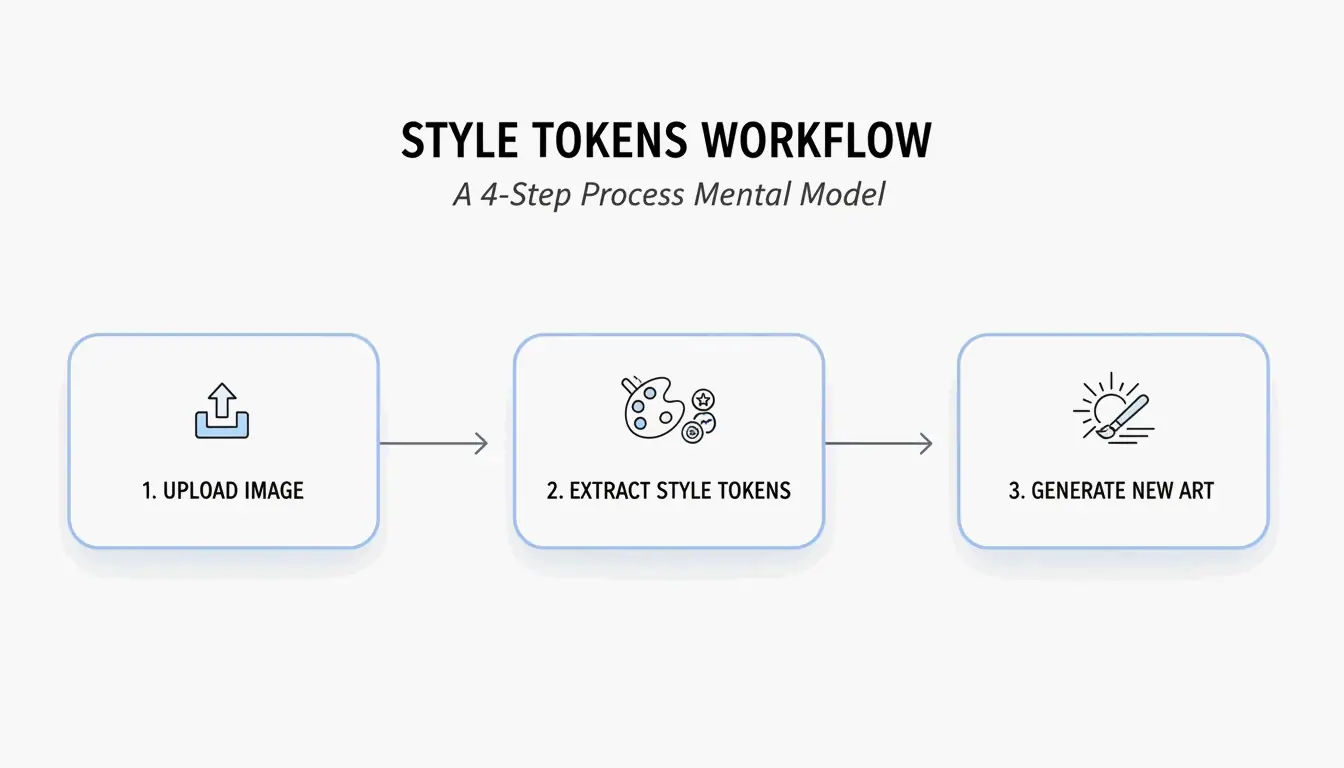
How to Use the BeConverter Image to Prompt Generator in 3 Steps
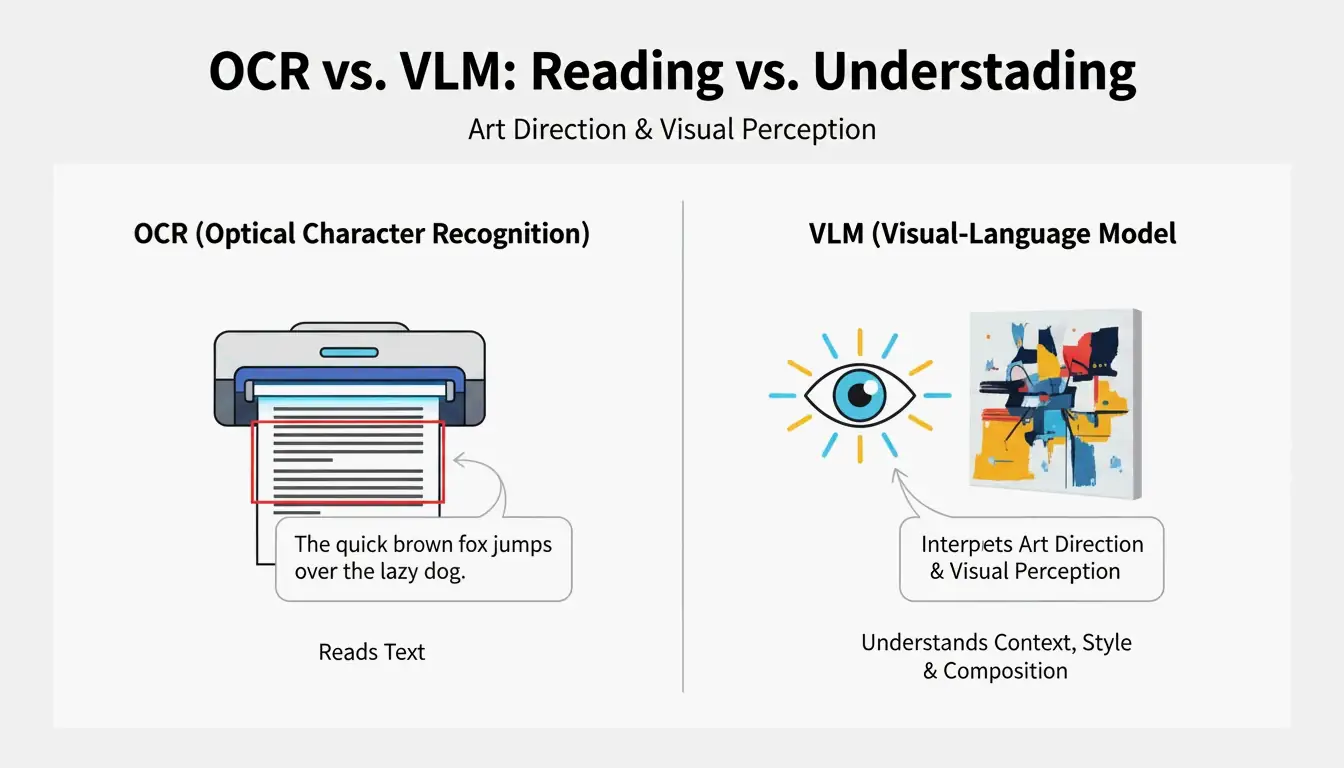
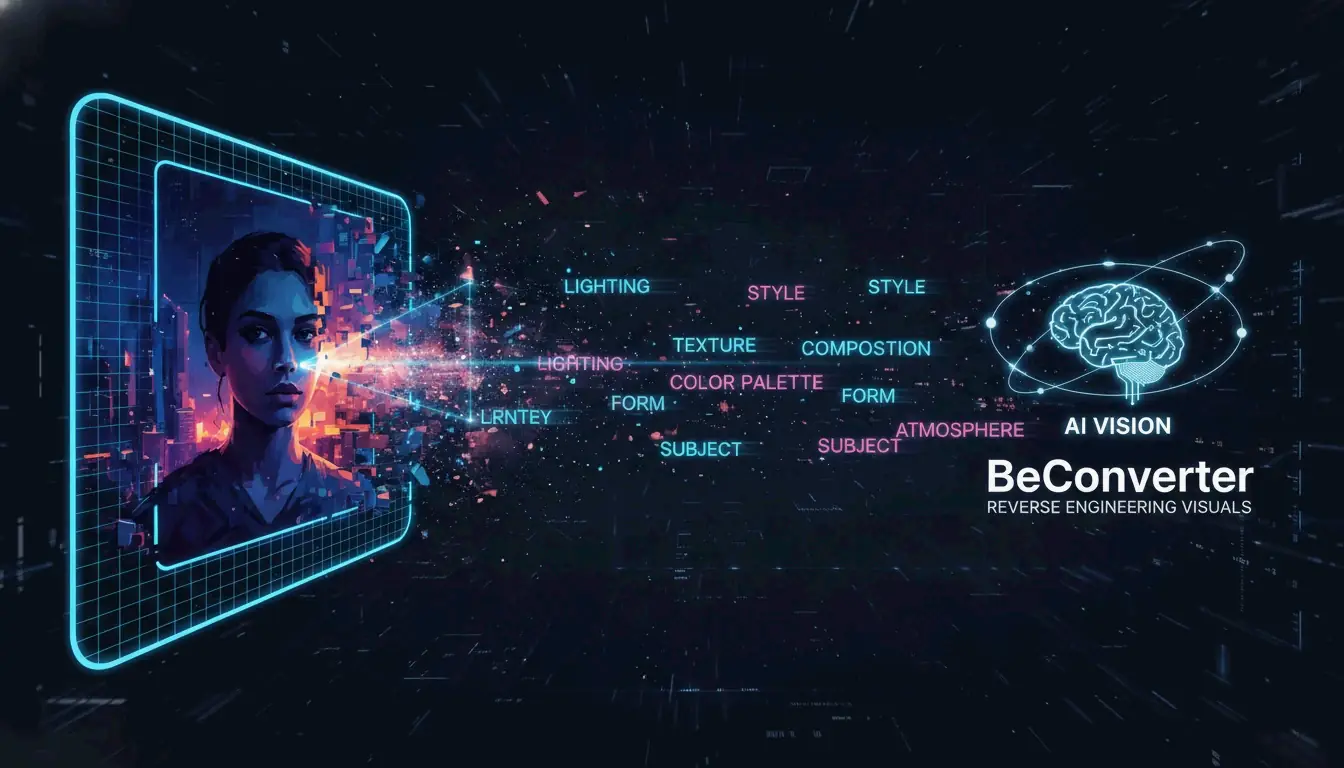
The BeConverter Image to Prompt Generator moves you from visual inspiration to actionable text without the guesswork. By using AI Image Analysis, it breaks down complex elements like lighting, texture, and composition into a structured format. Data from imagetoprompt.com shows this system handles over 1,199 daily uploads in 2026, which speaks to how much digital creators rely on it.
Step 1: Uploading Your Visual Concept
The process starts with a source image. You can upload standard formats like JPG, PNG, or WebP (keep them under 4MB for the best speed). Once you drag the file into the interface, the AI Image Analysis engine scans the pixels to pinpoint subjects, specific artistic movements, and environmental cues.
Step 2: Customizing Artistic Styles
After the scan, pick your target model—Midjourney, DALL-E, or Flux. This is where the generator translates the core description into platform-specific syntax. You can refine things further by selecting “Scene/Style” categories like Portrait, Landscape, or Artistic to get those specific aesthetic nuances right.
Step 3: Copy and Execute
Once the generator finishes, you get a descriptive output ready to go. In a professional workflow, it’s usually worth a quick 10-second review—maybe swapping “sunset” for “golden hour” if the AI was slightly off—before hitting copy. Then, just paste it into your preferred AI art generator to recreate or tweak the original visual.

Advanced Refinement: 5 Keywords to Elevate Any BeConverter Output
Mastering Reverse Engineering AI Art is about moving from basic descriptions toward technical precision. BeConverter gives you a solid head start, but adding “power keywords” can turn a standard prompt into something professional. As one creative professional noted on imagetoprompt.com: “It’s an instant jump from novice to intermediate. It takes what I’m trying to create and just elevates it.”
Try adding these five categories to your 2026 workflows for better results:
- Cinematic Lighting: Use “volumetric lighting,” “rim lighting,” or “chiaroscuro” to add real depth.
- Technical Camera Settings: Specify “8k resolution,” “ISO 100,” or a “35mm lens” to mimic actual photography.
- Artistic Mediums: Mix textures with terms like “oil on canvas,” “digital matte painting,” or “unreal engine 5 render.”
- Color Grading: Set the mood with “teal and orange,” “monochromatic,” or a “pastel palette.”
- Compositional Modifiers: Control the “camera” using “low angle shot,” “wide-angle view,” or the “rule of thirds.”

Is There Midjourney and DALL-E Compatibility for Generated Prompts?
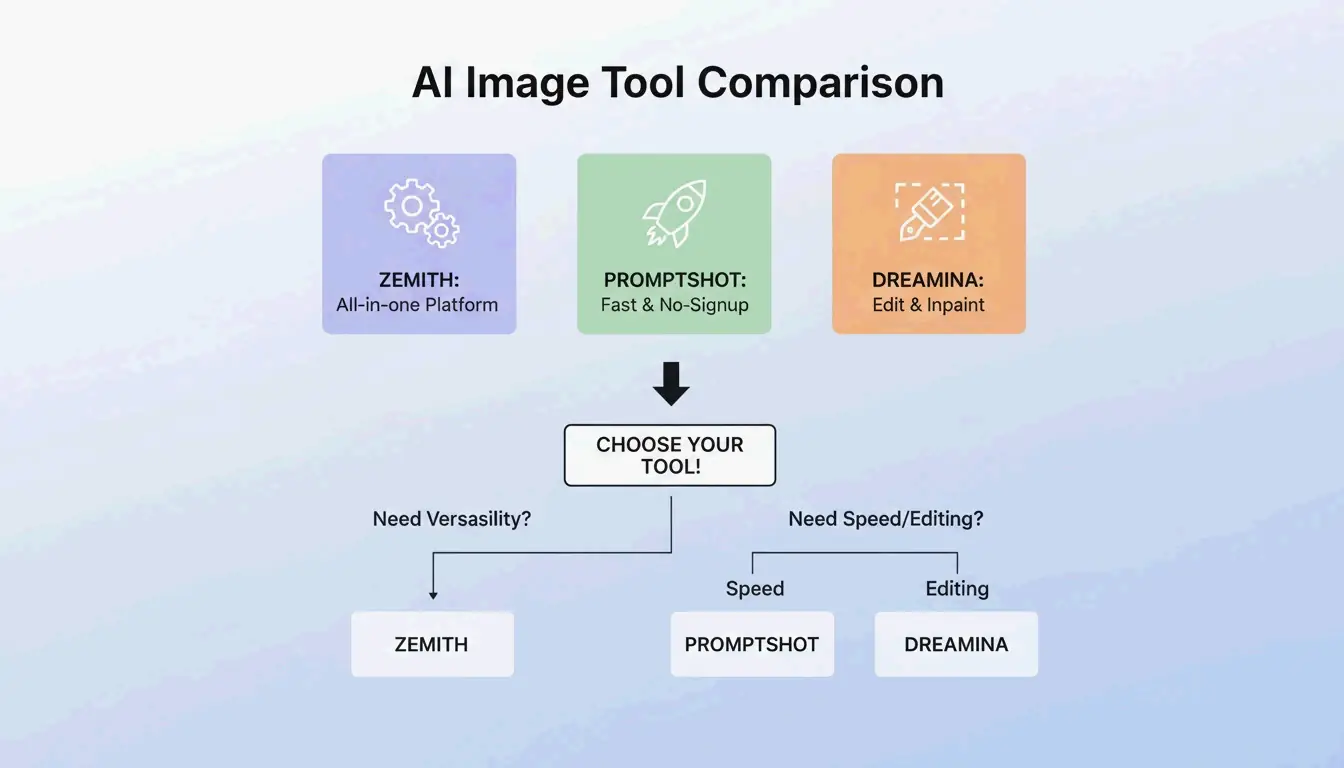
BeConverter maintains high Midjourney and DALL-E compatibility through model-specific toggles. Since every AI engine has its own “logic,” the tool adjusts the prompt structure to match how that specific platform thinks.
For example, Alice Zhang, a Product Manager, found that the generator helped her team move faster by turning design concepts into precise descriptions the creative team could use immediately.
- Midjourney: The tool adds parameters like
--ar 16:9or Version 6 stylistic suffixes. - DALL-E 3: It uses the descriptive, prose-heavy style that DALL-E’s LLM-based system prefers.
- Stable Diffusion: It creates the tag-heavy (Booru style) prompts needed for Stable Diffusion and newer models like Flux.1 AI.

Beyond Art: Using BeConverter for SEO and Web Accessibility
AI Image Analysis is just as useful for digital marketing and SEO as it is for art. By turning visuals into text, BeConverter acts as a shortcut for Data Labeling and Tagging, helping you organize large internal libraries or train machine learning models.
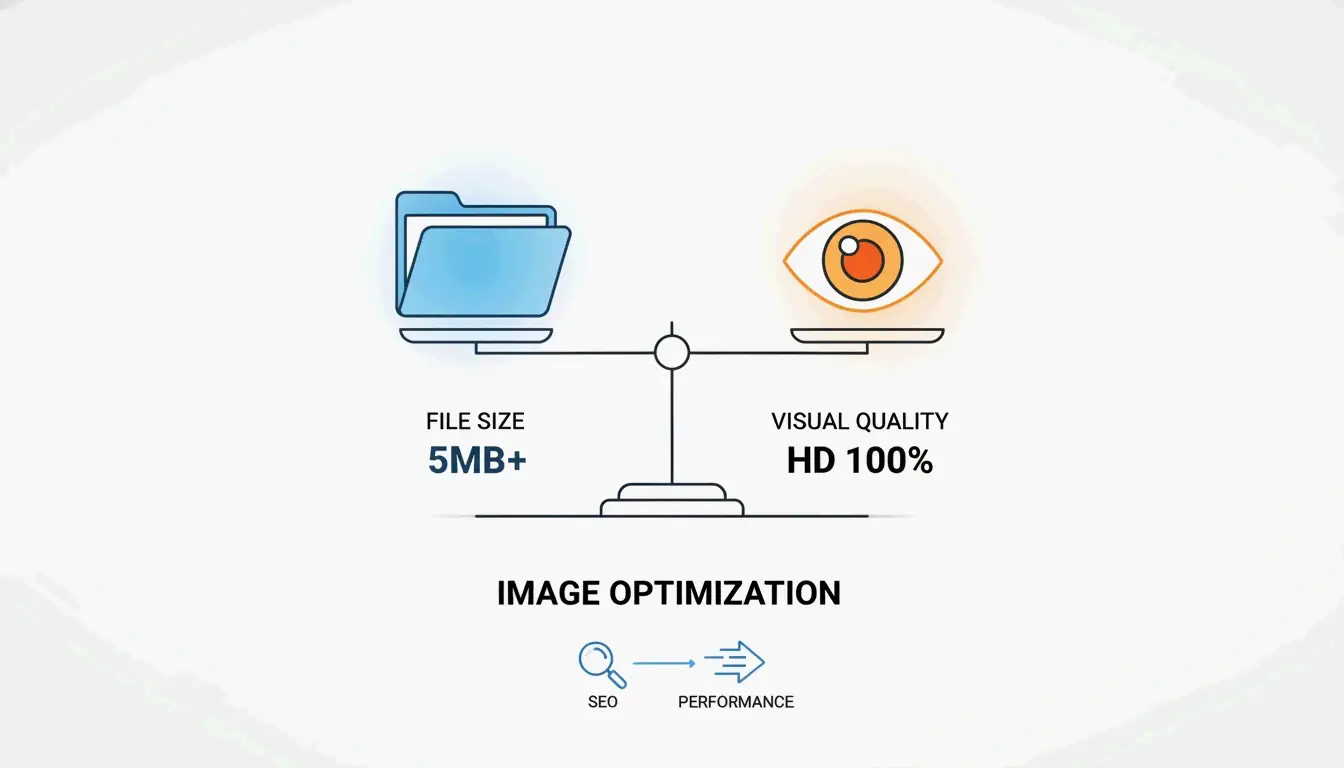
For SEO, the tool is a huge time-saver for generating Alt-Text. Instead of writing every description by hand, BeConverter identifies what’s in the image so search engines can index it properly. This also keeps your site accessible for visually impaired users. Good, keyword-rich metadata helps search crawlers actually understand your page’s visual context, which can help your rankings.
FAQ
Is the BeConverter AI prompt generator free to use without a login?
Yes, BeConverter offers free access for standard users. In most cases, no account creation or login is required to generate or copy prompts. To protect user privacy, images are typically processed in real-time and are not stored permanently on servers after the session ends.
Which AI art platforms are compatible with the prompts generated by BeConverter?
BeConverter provides full support for Midjourney, DALL-E 3, and Stable Diffusion. It also offers optimized outputs for newer models like Flux.1. Additionally, the generic descriptive prompts generated are compatible with other popular tools such as Leonardo.ai and Adobe Firefly.
What image formats are supported for the image-to-prompt conversion process?
The tool supports standard web formats, including JPG, PNG, and WebP. It is optimized for high-resolution uploads to ensure better detail extraction. Many versions of this technology utilize CLIP Interrogator logic to ensure precise visual-to-text mapping during the analysis phase.
Conclusion
Knowing how to AI prompt with BeConverter helps close the gap between a vague visual idea and a professional result. By automating the way you reverse-engineer styles, lighting, and composition, you get much more consistent results across Midjourney, DALL-E, and Stable Diffusion.
Give it a try by uploading a reference image today. Whether you’re an SEO specialist looking for Alt-Text or a designer hunting for inspiration, BeConverter is a handy companion for the 2026 creative landscape.
SectoJoy
• 独立开发者 & 技术博主我是一名独立开发者,专注于构建 iOS 和 Web 应用程序,致力于打造实用的 SaaS 产品。我擅长 AI SEO,不断探索智能技术如何推动可持续增长和效率提升。