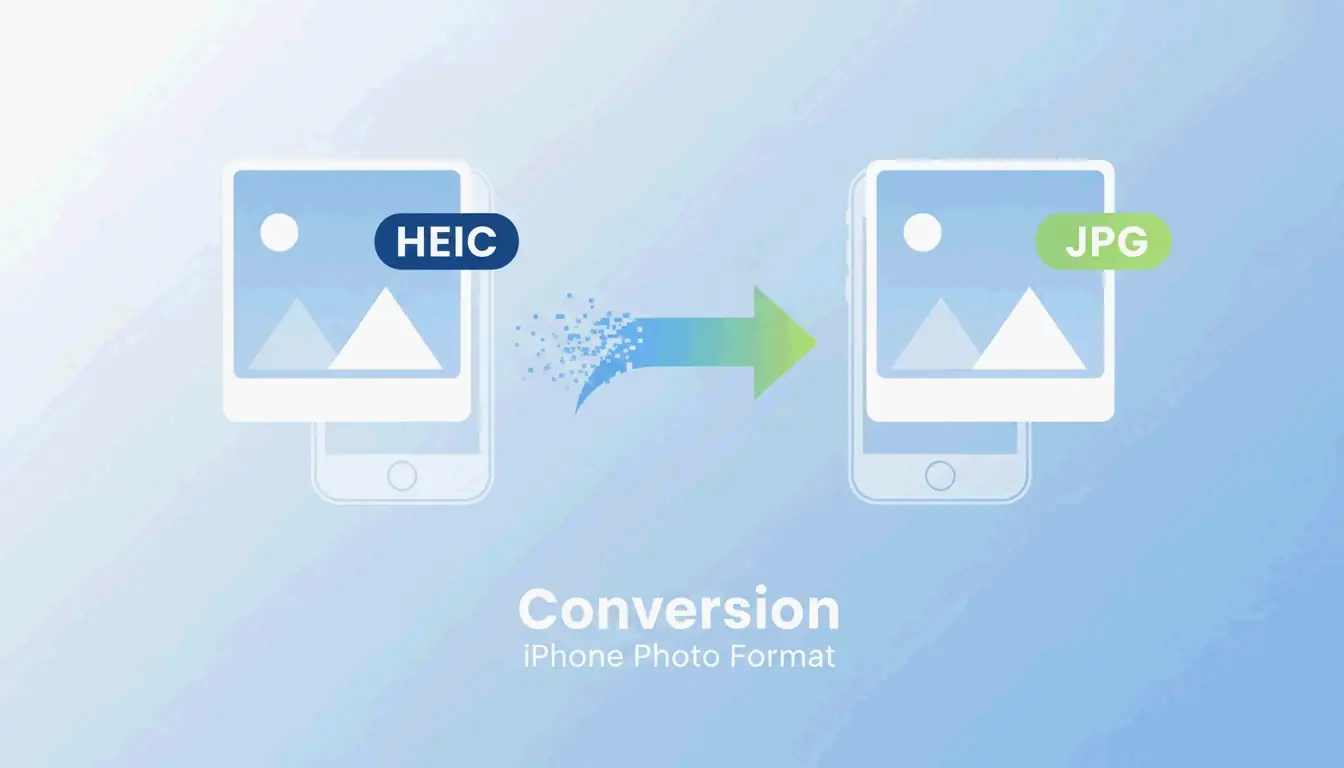
تحويل صور iPhone من HEIC إلى JPG: دليل بسيط (2026)
لـتحويل صور iPhone من HEIC إلى JPG، استخدم تطبيق الملفات في iOS: انسخ الصور من المعرض، ثم الصقها في مجلد داخل الملفات — وسيقوم iOS بالتحويل التلقائي إلى JPEG. على Windows 11، استخدم تطبيق الصور وخيار “حفظ باسم” مع تثبيت إضافات HEIF. على Mac، افتح الصورة في Preview ← ملف ← تصدير ← JPEG.
مقارنة بين طرق التحويل
| الطريقة | المنصة | تحويل دفعي | التكلفة | الخصوصية |
|---|---|---|---|---|
| تطبيق الملفات في iOS | iPhone/iPad | نعم (تحديد متعدد) | مجاني | يعمل بدون إنترنت بالكامل |
| الإجراءات السريعة في iOS | iPhone/iPad | لكل ملف | مجاني | يعمل بدون إنترنت بالكامل |
| صور Windows 11 | Windows | لكل ملف | مجاني | يعمل بدون إنترنت بالكامل |
| Preview على Mac | macOS | لكل ملف | مجاني | يعمل بدون إنترنت بالكامل |
| IrfanView | Windows | أكثر من 1,000 ملف | مجاني | يعمل بدون إنترنت بالكامل |
| XnConvert | Win/Mac/Linux | أكثر من 1,000 ملف | مجاني | يعمل بدون إنترنت بالكامل |
| ImageMagick | CLI (جميع الأنظمة) | أكثر من 10,000 ملف | مجاني | يعمل بدون إنترنت بالكامل |
| أدوات WebAssembly | المتصفح | متفاوت | مجاني | يعمل محلياً (بدون رفع) |
الطريقة 1: تطبيق الملفات في iOS (مدمج، بدون إنترنت)
وفقاً لـMergeImages.net، يقوم تطبيق الملفات بالتحويل التلقائي من HEIC إلى JPEG أثناء اللصق.
- افتح تطبيق الصور ← حدد الصور ← اضغط على نسخ الصور
- افتح تطبيق الملفات ← انتقل إلى مجلد
- اضغط مع الاستمرار على مساحة فارغة ← اضغط على لصق
- ستظهر الملفات بتنسيق JPEG
بديل: اضغط مع الاستمرار على ملف واحد ← إجراءات سريعة ← تحويل الصورة ← JPEG
PDF Guru:
- افتح ملفات HEIC في Preview
- ملف ← تصدير
- حدد JPEG من القائمة المنسدلة للتنسيق
- اضبط شريط الجودة (وازن بين حجم الملف والوضوح)
- احفظ
الخصوصية: التحويل المحلي مقابل التحويل على الخادم
| النموذج | كيف يعمل | بياناتك |
|---|---|---|
| محلي (WebAssembly) | يعمل التحويل في ذاكرة المتصفح | لا تغادر جهازك أبداً |
| على الخادم | يتم رفع الصور إلى خادم بعيد | يتم تخزينها مؤقتاً على خادم طرف ثالث |
وفقاً لـAhmer Arain، فإن الأدوات التي تستخدم Canvas API + WebAssembly (مثل ConvertifyHub، Freetoolonline) تعالج كل شيء محلياً.
قائمة فحص الخصوصية
| الميزة | ما الذي تبحث عنه |
|---|---|
| تسمية المعالجة | “بدون رفع”، “بدون إنترنت”، “خاص” |
| السرعة | الأدوات المحلية أسرع (لا حاجة للانتظار حتى الرفع) |
| التحكم في EXIF | خيار الاحتفاظ بحذف البيانات الوصفية للموقع الجغرافي والطوابع الزمنية |
مقارنة تقنية بين HEIC وJPG
| الخاصية | HEIC | JPG |
|---|---|---|
| كفاءة الضغط | أعلى بنسبة 50% | مرجع أساسي |
| عمق الألوان | 16 بت | 8 بت |
| دعم HDR | نعم | لا |
| الصور الحية | محفوظة | مفقودة |
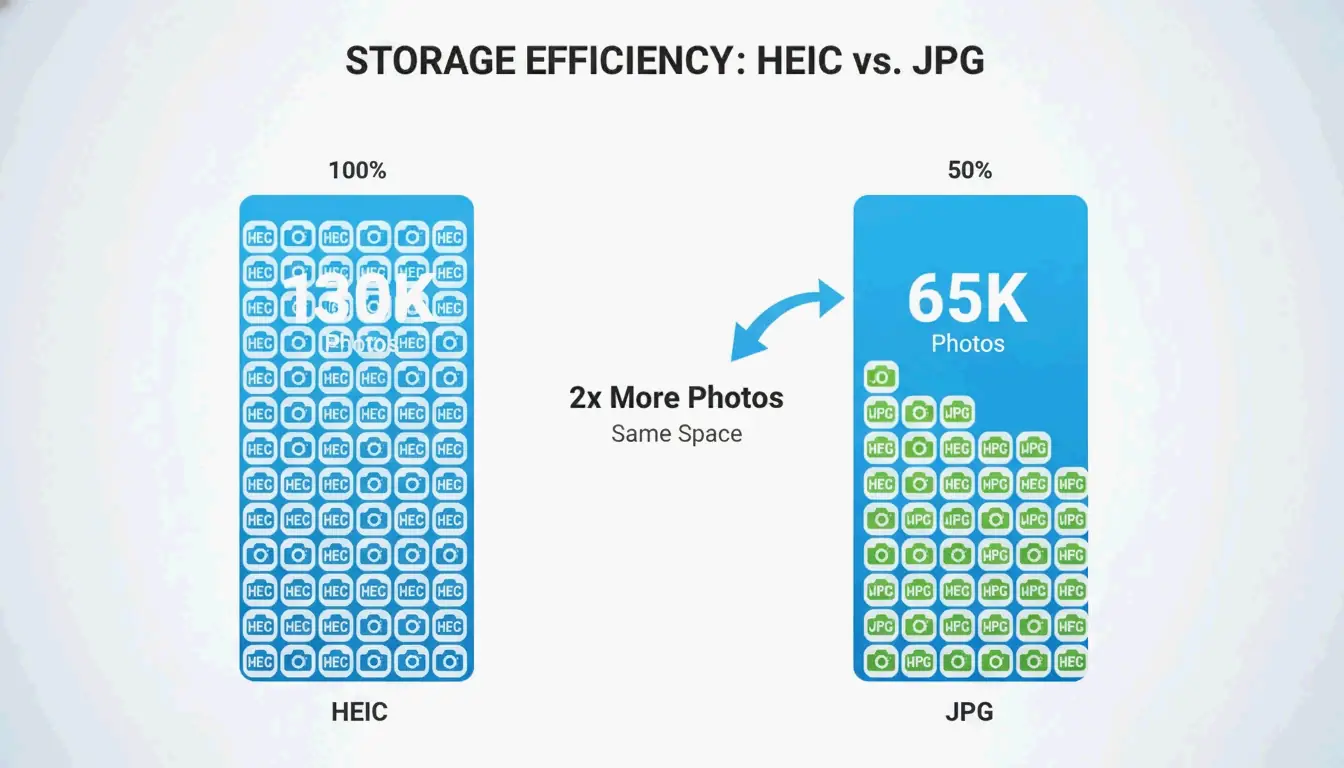
| سعة iPhone بسعة 256GB | حوالي 130,000 صورة | حوالي 65,000 صورة |
| التوافق العالمي | محدود | عالمي |
وفقاً لـFyleTools، فإن HEIC أكثر كفاءة بنسبة 50% — حيث يمكن لـ iPhone بسعة 256GB تخزين حوالي 130,000 صورة HEIC مقارنة بـ 65,000 صورة JPEG فقط بنفس الجودة.
أدوات دفعية للمكتبات الكبيرة
| الأداة | المنصة | الحد الأقصى للدُفعة | الأفضل لـ |
|---|---|---|---|
| IrfanView | Windows | أكثر من 1,000 | السرعة وفقاً لـPicTomo |
| XnConvert | Win/Mac/Linux | أكثر من 1,000 | الحفاظ على بيانات EXIF عبر أنواع الملفات المختلفة |
| ImageMagick | CLI (جميع الأنظمة) | أكثر من 10,000 | الأتمتة المبرمجة |
إعدادات كاميرا iPhone: HEIC مقابل الوضع الأكثر توافقاً
| الإعداد | التنسيق | التخزين | التوافق |
|---|---|---|---|
| عالي الكفاءة (الافتراضي) | HEIC | يوفر 50% من المساحة | نظام Apple البيئي |
| الأكثر توافقاً | JPG | يحتاج مساحة أكبر | عالمي |
انتقل إلى الإعدادات ← الكاميرا ← التنسيقات للتبديل.
التوصية: حافظ على “عالي الكفاءة” للاستخدام اليومي. قم بتحويل ألبومات محددة فقط عند المشاركة مع مستخدمين خارج نظام Apple أو عند الطباعة.
الخلاصة
استخدم تطبيق الملفات في iOS للتحويلات السريعة بدون إنترنت. استخدم IrfanView أو XnConvert لمهام التحويل الدفعي. للخصوصية، فضل أدوات المتصفح المبنية على WebAssembly. حافظ على HEIC لتوفير مساحة التخزين؛ وحول إلى JPG فقط عندما يتطلب التوافق ذلك.
الأسئلة الشائعة
هل يؤدي تحويل HEIC إلى JPG إلى فقدان الجودة؟
نعم — إعادة الترميز تتضمن فقداناً. لكن عند جودة 90%+، يكون الفرق غير مرئي. وفقاً لـFreetoolonline، فإن الجودة 95 تنتج ملفاً مطابقاً بصرياً أكبر حجماً بنحو 30% من HEIC.
لماذا تظهر صور HEIC فارغة على Windows 11؟
بسبب نقص إضافات صور HEIF (مجانية) أو إضافات فيديو HEVC ($0.99) من متجر Microsoft. قم بتثبيت كليهما لتفعيل المصغرات الأصلية بدون تحويل.
هل يمكنني تحويل HEIC إلى JPG بدون رفع الصور؟
نعم. تطبيق الملفات في iOS يعمل بالكامل بدون إنترنت. على سطح المكتب، استخدم الأدوات المبنية على WebAssembly التي تعالج البيانات في ذاكرة المتصفح — الصور لا تغادر جهازك أبداً.
SectoJoy
• Indie Hacker & DeveloperI'm an indie hacker building iOS and web applications, with a focus on creating practical SaaS products. I specialize in AI SEO, constantly exploring how intelligent technologies can drive sustainable growth and efficiency.